Introduction
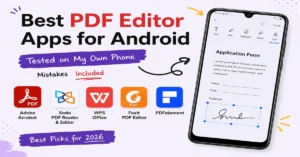
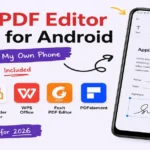
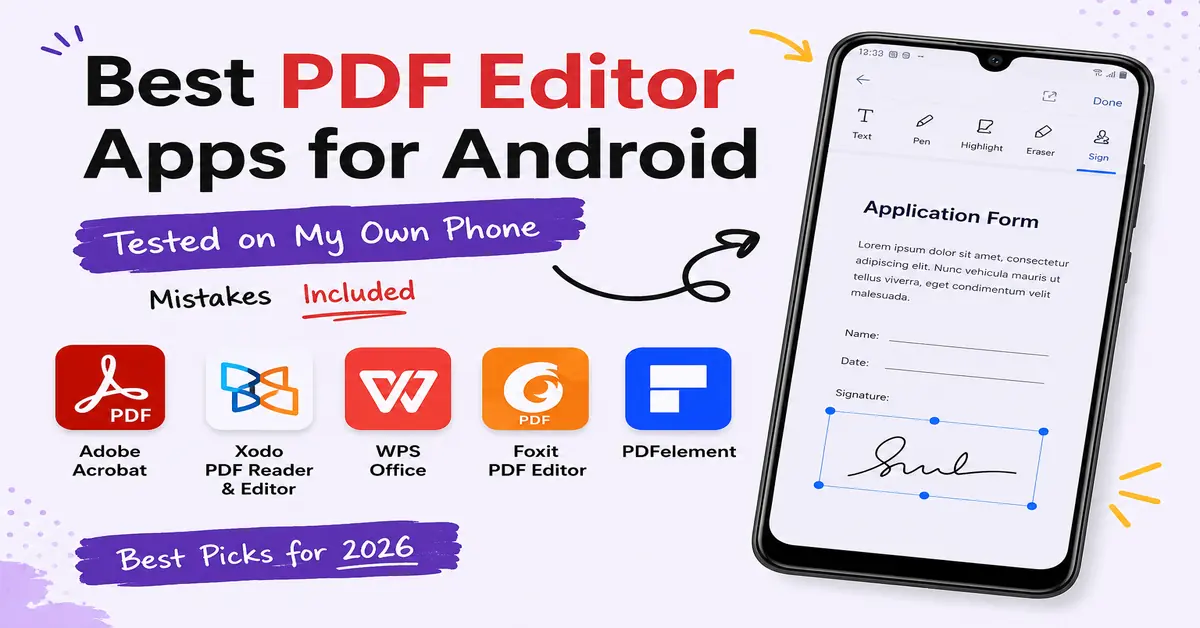
I have to sign a PDF document for my application approval in my college. For that, I want a PDF editor, so I went to the Google Play Store and searched for a PDF editor. There were so many apps displayed. I have downloaded so many apps for my work, but all the apps are not genuine. Some of the apps work genuinely. I wasted so much time downloading apps after trying so many apps. I got the 5 best PDF Editor Apps for Android in 2026. These apps helped me sign my document.
Here you will find the best PDF editor apps which are more genuine. These apps are available in the Google Play Store. You don’t need to download any APK files. The applications mentioned below were tested by me. So, let’s get into the topic.
What I Look for in a PDF App
After testing so many apps. I focused on the things that actually matters and solves real world problems in everyday use.
While testing each PDF app, I mainly focused on these below factors:
- Fast performance: I would check whether the app is opening PDF files quickly or not?
- Useful free features: I used to verify Can I sign or edit PDF which out any premium plan.
- Offline support: This is the main thing i have focused that can I view my PDF files offline without internet connection.
- Storage: I have also focused on its storage whether it can maintain a good storage or not.
By keeping these important points in my mind , I have tested these popular PDF editor apps for android. These apps will provide a great experience.
1. Adobe Acrobat Reader – The One I Keep on Every Phone
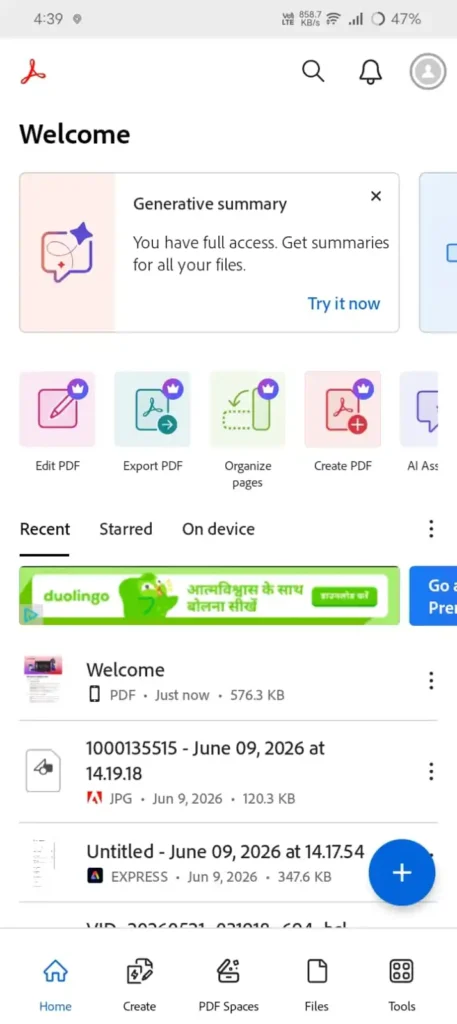
Adobe Acrobat Reader is one of the best applications. I realized I should keep this app on my phone. This is the first PDF app I installed because it has very easy steps to sign an important document.
In this app, the free version includes features that we need for our daily life usage. Mostly, like viewing PDFs, highlighting text, and signing the document. For my document signing, I used this application; it took me 2 minutes to sign; that’s it.
If guys need more advanced features like merging PDFs or converting files to Microsoft Word, you need a pro subscription. Before spending your money, research how much you can.
Pros
- It is easy to use even for beginners
- It has Reliable Fill & Sign feature
- It is great for highlighting and commenting on documents
Cons
- For advanced editing and conversion you need pro subscription.
- Some of the premium features are not available in the free version
2. Xodo PDF Reader & Editor – Best for Marking Up Long Documents
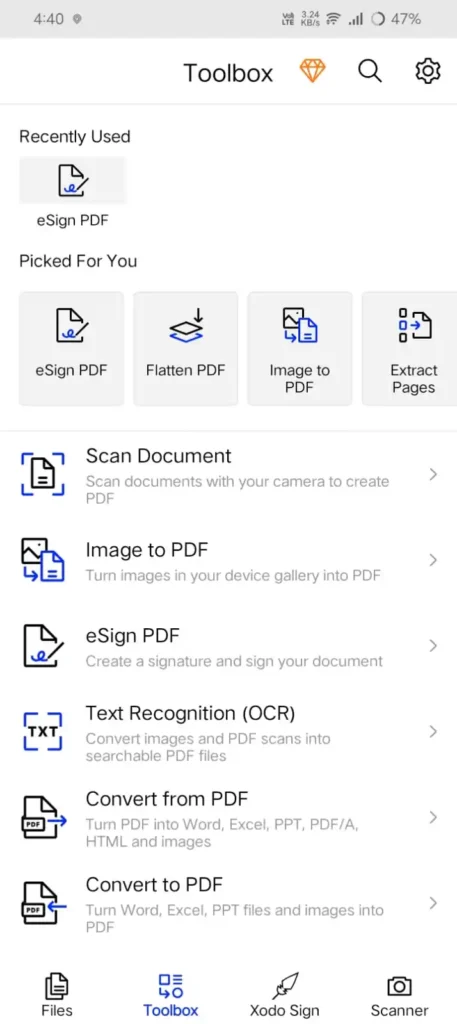
Xodo is one of the best PDF readers and editors. Its annotation tools are very quick. And also making it easy to highlight the text, underlining important sections on your PDF. It will also work efficiently with cloud storage services like Google Drive.
In this application, the free version has some limitations. So, make sure your PDF file can be viewed after editing it. It is the best application for your work on a regular basis.
Pros
- It is very fast and easy-to-use annotation tools
- It also supports highlighting, underlining, notes
- It will syncs with Google Drive and Dropbox
- Can also works well with large PDF files
Cons
- In this app some advanced features need a premium subscription
3. WPS Office – Best if You Work with Word, Excel, and PDF Files
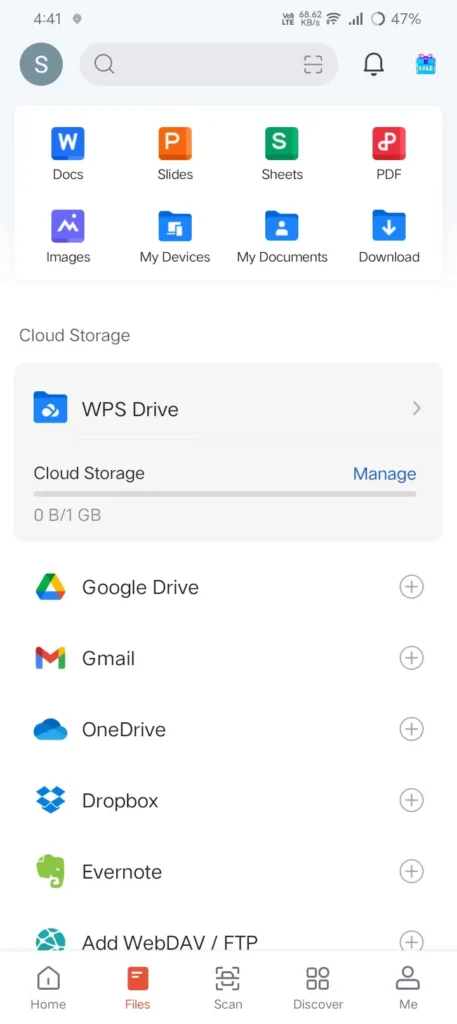
The WPS office is the best choice if you want to work with word Documents, Excel, and PDF files. WPS Office also supports spreadsheets and presentations. It means all the features are in one app. You don’t need to switch the applications for simple work.
The PDF to Word conversions work well for documents like reports, resumes, and letters. I think I have converted a two-column newsletter using this app. For your daily common uses, it is the best application, especially if you work with PDF, Word, and presentations. You can get this application from the Google Play Store.
Pros
- All-in-one office with PDF support
- In this conversion is easy from PDF To word conversion.
- It also supports Word, Excel, PowerPoint, and PDF formats
- It has an clean and beginner-friendly interface
Cons
- If you need advanced tools you need to go with premium.
- In, free version it displays ads
4. Foxit PDF Editor – Best for Older Phones or Low Storage
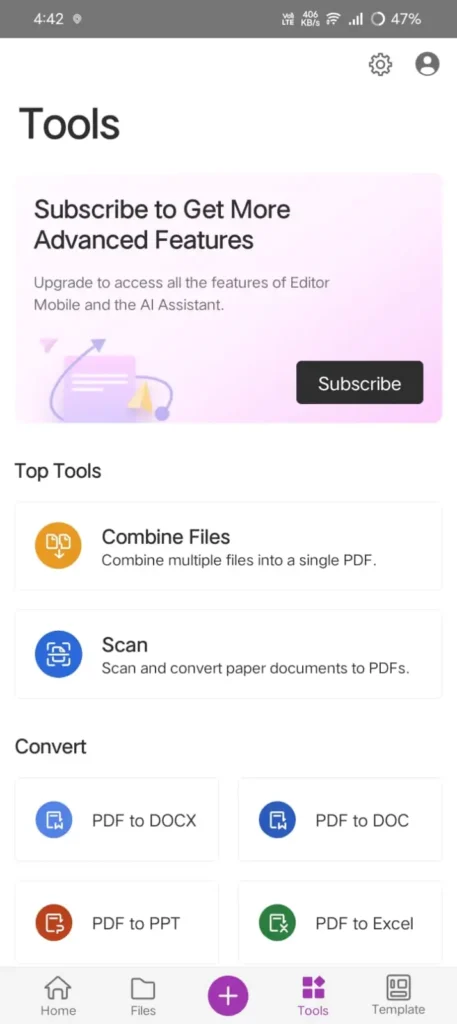
Foxit PDF editor is one of the best applications for low-end devices, because it works well on low-end devices. It opens and runs all the large PDF files very smoothly without any lag.
Honestly, I tested this application very well by scanning a 60-page PDF. It loaded the PDF very fast. It has very advanced features like merging PDFs and password protection, but for all these advanced features, you need a premium plan. It is one of the lightweight apps and a good choice for older phones. If you are using an older or low-end device, then go with this app. It will provide you with a great experience.
Pros
- It is one of the lightweight app that uses less storage
- It has fast performance even if you want work with large files.
- It has a smooth reading and annotation experience
- Good choice for both older or budget smartphones
Cons
- It has somewhat fewer collaboration features compared to Adobe Acrobat
- For advanced editing features you need a paid subscription
- PDF merging and conversion tools are limited in the free version
5. PDFelement – Best for Editing Text Inside PDFs
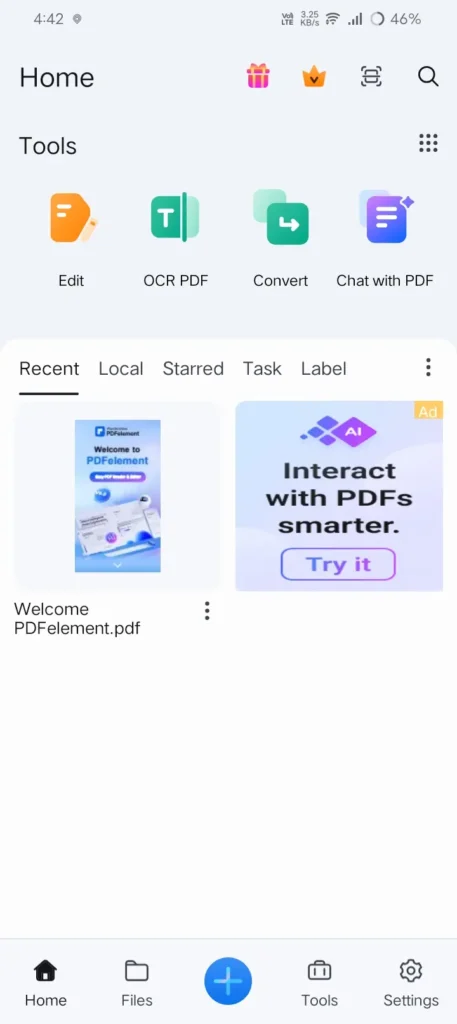
PDFelement is the excellent app if you want to edit text inside the pdf. Using PDF element you can highlight text, and add comments on a document. PDFelement lets you to edit the actual text with its size inside Pdf files. By using these app you can correct the small changes on your document without recreating entire document.
This app has AI-powered features that helps in summarizing long PDF documents and also helps you quickly to understand reports or any materials. It is very tough to read long PDF files then you can go with this app that helps you to understand pdf.
This application has free version that provides a basic PDF tools and also it includes ads. For more advanced features you need a paid subscription
Pros
- It is one of the best app that allows direct text editing in many PDF files
- It has AI-powered document summarization
- It also supports annotations, highlights, and comments
- It is available on Android and also other platforms
Cons

- For Advanced editing and AI features you need a premium subscription
- It has Free version that contains ads
These are the best PDF editors which have been personally tested by me.
How I actually sign a document on my phone now (step by step)
Here I will let you know how i sign a document :
- Firstly, save the PDF attachment to your phone then don’t try to sign it from inside the Gmail preview, because it will not save properly.
- Open it on Adobe Acrobat Reader. (I have choosenAdobe Acrobat Reader)
- Tap on the Fill & Sign tool.
- Now you can create your signature once by drawing or typing it depends on you (I have just typed that’s it).
- After Signing drag the signature into place where you want to keep and resize it if needed, then save as a new file don’t overwrite original file.
- After saving you can share it.
It took just two minutes to sign my document by following above steps.
Which PDF App Is Right for You?
| If You Need… | Recommended App |
|---|---|
| Sign PDF documents | Adobe Acrobat Reader |
| Annotate notes or study materials | Xodo PDF Reader & Editor |
| Work with PDF, Word, Excel, and PowerPoint files | WPS Office |
| A lightweight PDF app for older phones | Foxit PDF Editor |
| Edit text, images, and other PDF content | PDFelement |
Also Read: Best Coding Apps for Android (Tried & Tested in 2026)
Also Read: I Tested 5 Best Screen Recorder Apps for Android( Which I use)
Also Read: Best Offline Music Apps for Android – Listen Anywhere
Conclusion:
Finally, after testing all the PDF editor apps on my Android phone, I’m recommending one. If you want to sign documents, then go with Adobe Acrobat Reader. For highlighting your notes or any paragraph in document, Xodo is the best choice. The WPS Office is a good choice if you are regularly working with Word, Excel, and presentations. If you are using a low-end device, then go with Foxit PDF Editor because it works very well on low-end devices. PDFelement is best for those users who need more advanced PDF editing features.
Choosing the best PDF app will depend on your work. Make sure to first go with the free version if you need more advanced features, then prefer the premium plan. This guide will save you time in finding the best PDF apps for Android in 2026. Comment down below which app you have installed.
FAQ’S
1. Which is the best PDF editor app for Android?
The best PDF editor app depends on your need. Adobe Acrobat Reader is a good choice for signing documents, Xodo is useful for annotations, WPS Office works well for office documents, Foxit is lightweight for older phones, and PDFelement offers advanced PDF editing features.
2. Are PDF editor apps free to use?
Most PDF editor apps has a free version with some basic features such as viewing, highlighting, and signing PDF files. The advanced tools like text editing, PDF conversion, and file merging need a premium subscription.
3. Can I edit PDF text on Android for free?
Yes, some of the apps allows you to edit text on android but limited text only. For full PDF text editing is generally available only through paid plans.
4. Which PDF app is best for signing documents?
Adobe Acrobat Reader is a popular choice for filling out forms and signing PDF documents. It provides an easy-to-use Fill & Sign feature that works well for everyday use. Even I will use it.
5. Can I use a PDF editor without an internet connection?
Yes. Most PDF editor apps ]helps you open, read, and annotate PDF files offline after they have been downloaded to your device. Some cloud syncing and AI-powered features may require an internet connection.