Introduction
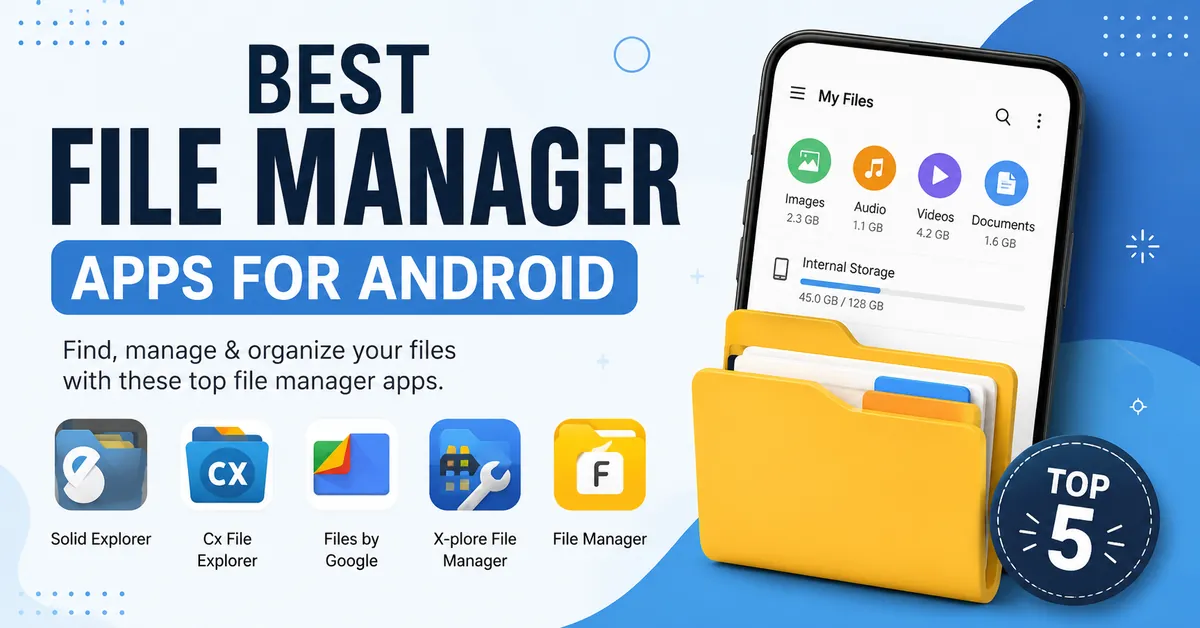
As we all know, most of the Android phones have a built-in file manager that is used for performing basic tasks like opening files or deleting old photos. But the actual problems come when you need to organize your files or extract ZIP or RAR archives. To overcome these problems. I have found some of the best file manager Apps for Android that are most popular and also available on the Google Play Store.
Firstly, I have downloaded more than 12 applications, and from that, I have filtered the top 5 applications. These 5 applications are personally tested and are still being used by me. These application are helps in managing large folders. So, let’s get into the topic.
Why the Default File Manager Isn’t Always Enough
The file manager that comes with your Android phone is not enough. It is good for just simple tasks like finding folders, deleting files, or just sharing photos or Videos.
The In-built file managers are not able to extract files and connect to cloud storage like Google Drive. These features will be missing in the default file manager. This is the main reason most of the users prefer third-party file manager apps. I never wanted to use third-party apps, that’s why I have searched for the best applications that are available on the Google Play Store.
The 5 Best File Manager Apps For Android
1. Solid Explorer – Best Overall
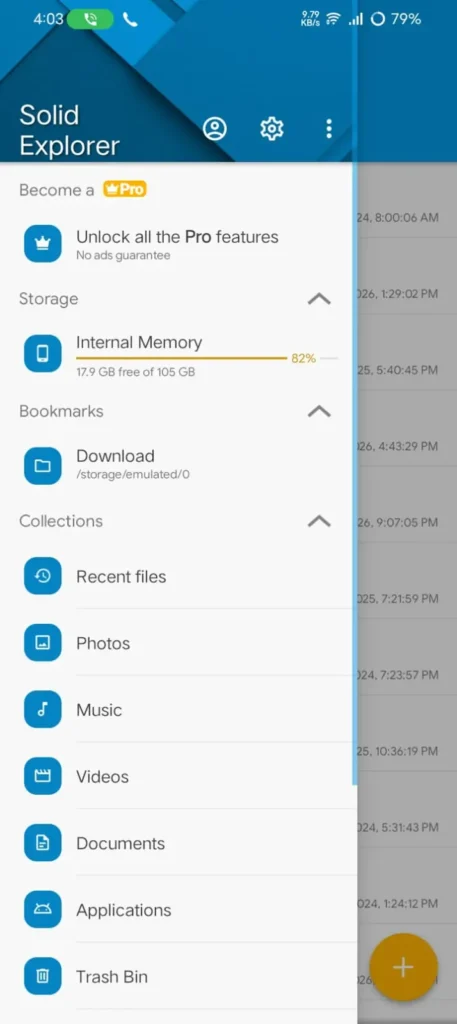
Solid Explorer is one of the powerful file manager app which consist of more solid features. It provides a clean interface and smooth performance where users can able to manage files more easily. The best feature of Solid Explorer is the dual-pane view. This feature helps in opening two folders at the same time that saves your time from switching between folders.
It also supports mostly archive formats like ZIP, RAR, and 7z. So, here you can compress and extract files in the app. If you want to add security to your folder, it provides AES-256 encryption. By using this, you can encrypt your files with a password.
It supports cloud storage and network connections. It is one of the great choices for those who want to store their files in cloud platforms.
Advantages
- It provides a clean and easy interface
- It has a powerful feature that is a dual-pane view for faster file management
- It also supports ZIP, RAR, and 7Z files
- It has built-in AES-256 encryption for file encryption.
Cons
- The free trial is limited to 14 days.
- For the full version, it requires a one-time purchase
2. Cx File Explorer – Best Free File Manager
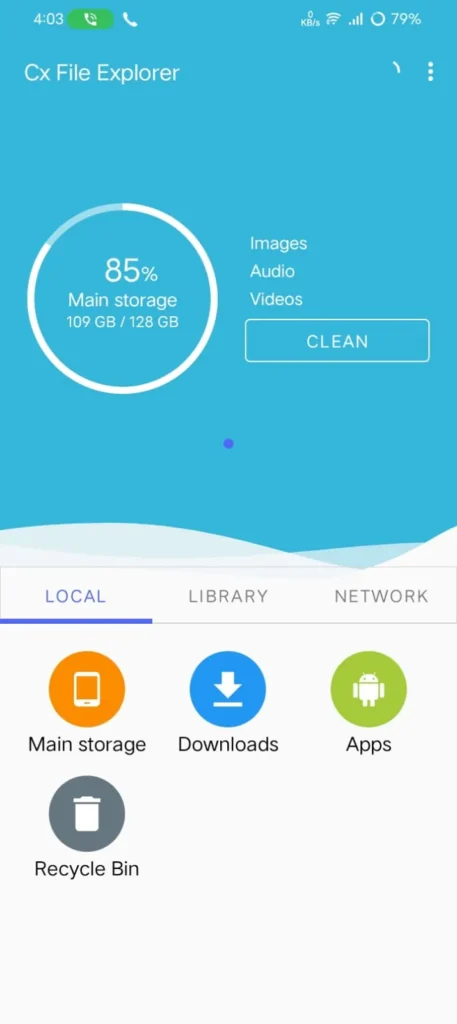
Cx File Explorer is one of the excellent file manager app and which provides a clean interface and is easy to use. It never interrupts your experience with ads. It is one of the most suitable apps for both beginners and experienced Android users.
This application supports cloud storage services like Google Drive and Dropbox. This allows you to access your files. It also supports LAN, FTP, and SFTP connections. It is one of the best options for those who want to manage files from a remote server.
It has one of the best and most useful features, which is the built-in storage analyzer. It will scan your complete device and display which folder is taking up more storage space. So, you can easily identify large files, and you can remove unnecessary data, and free up your storage.
Advantages
- It is completely free to use
- It has a clean and beginner-friendly interface
- It supports Google Drive, Dropbox, OneDrive, and Box
- Also, supports LAN, FTP, SFTP, and WebDAV
Limitations
- It does not have advanced customization tools.
- No built-in file encryption
3. Files by Google – Best for Everyday Users
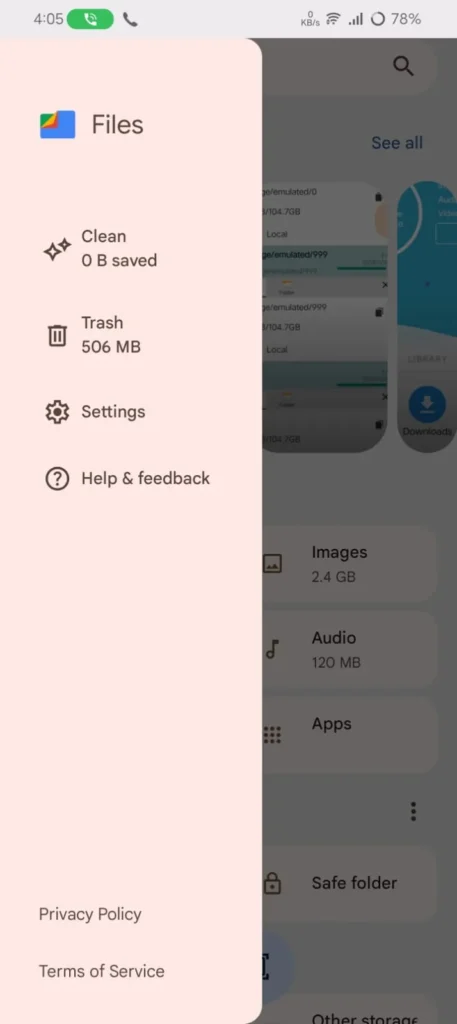
Files by Google is one of the best choices for Android users because it is developed by Google. It offers a simple interface that helps in easily browsing, organize and sharing files. It is a great option for those users who want a straightforward experience.
It has the standout feature of a clean tab, which helps in freeing up storage by identifying duplicate files, large files, and some old downloads that are not needed. This makes your phone organized and improves available storage with a few steps.
This application supports Quick Share, which allows you to send photos, Videos, documents, etc. In this application, it does not require mobile data for large file sharing. It does not provide advanced features like network storage support.
Advantages
- It is completely free to use
- It provides a clean and beginner-friendly interface
- It consists of a built-in storage cleaner
- It is very Lightweight and regularly updated by Google
Limitations
- No support for FTP, SMB, or WebDAV connections
- It does not have Built-in RAR extraction
4. X-plore File Manager – Best for Power Users
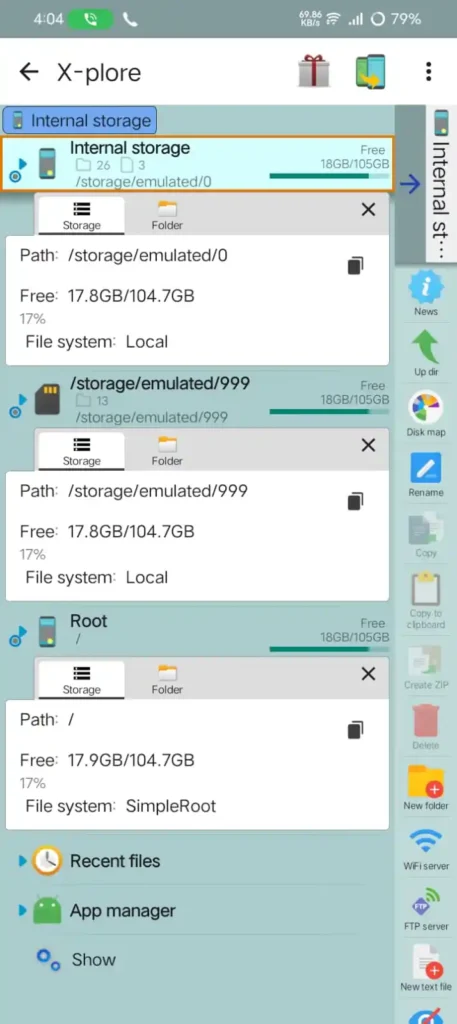
X-plore File Manager is one of the best applications that provides more advanced features. And also, the interface looks completely different when compared to other file managers; it becomes easier to use once you get habituated to x-plore File Manager.
One of the standout features is the dual-pane tree view. This feature shows all folders in a hierarchy, which is very useful, and you can easily manage a large number of files.
It also supports FTP and SMB, which makes it easy to access files that are stored in a home network. Additonally the app includes built-in support for creating and extracting archive files.
Advantages
- It has a feature called dual-pane tree view
- It supports FTP, SMB, and DLNA
- It provides built-in ZIP and RAR file management
- It is Free to download
Limitations
- The interface may feel complex for new users
- More advanced features require an in-app purchase
5. File Manager – Best All-Round File Manager
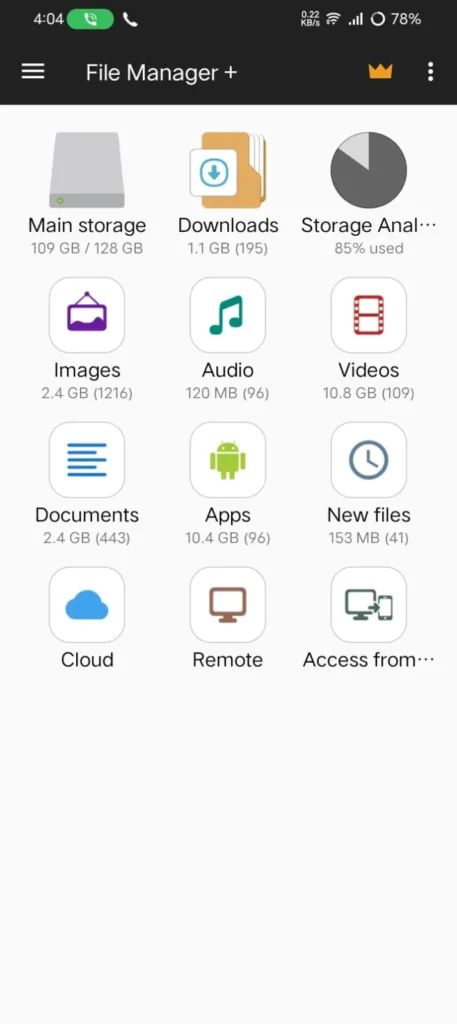
File Manager is a great option because it provides various features. And it has a clean interface, which is more than enough for beginners who need basic file management. This application is developed by File Manager Plus.
This application makes it easy for you to organize your files. It helps in managing your phone’s internal storage or SD card. It also supports cloud storage services and helps in storing files in cloud storage.
Another useful feature is that it has a built-in storage analyzer, which helps you identify the files and folders that are taking up more storage space on your device. It also supports ZIP files, and you can extract and compress files.
Advantages
- It has a clean and user-friendly interface
- It also supports cloud storage services
- Using this, you can easily do ZIP file compression and extraction
- It also supports FTP and SMB network connections
Limitations
- For some advanced features, you need a premium
- The free version has advertisements
Also Read: Best Free Billing Apps for Small Business in India
Also Read: Best PDF Editor Apps for Android in 2026 (Tested)
Also Read: Best Coding Apps for Android (Tried & Tested in 2026)
Conclusion
You should choose the right file manager based on how you use your Android phone. If you need a simple app to browse and organize files, Files by Google or CX File Explorer are the best choices. If you need more advanced features, like dual-pane browsing. Solid Explorer is a great choice if you want more control over your files and folders. X-plore File Manager is a good choice if you are looking for a mix of useful features and an easy interface.
So, the applications are still being used by me. I mostly use Solid Explorer on my device according to my use. Comment down which application you have installed.
FAQ’S
1. Which is the best file manager app for Android?
The best file manager depends on what you need. If you want advanced features like cloud storage support and dual-pane browsing, Solid Explorer is a great choice. For a free and easy-to-use option, Cx File Explorer and Files by Google are excellent alternatives.
2. Is Files by Google enough for everyday use?
Yes. Files by Google is more than enough for most Android users. It lets you browse files, free up storage, delete unwanted files, and quickly share documents and photos. However, if you need features like FTP, SMB, or cloud storage management, you may want a more advanced file manager.
3. Are third-party file manager apps safe to use?
Yes, as long as you download them from the Google Play Store and choose apps from trusted developers. Before installing any app, check the permissions it requests and avoid apps that ask for unnecessary access.
4. Can a file manager help free up storage space?
Yes. Many file manager apps include a storage analyzer that helps you find large files, duplicate files, and unnecessary downloads. Removing these files can free up storage and make it easier to keep your phone organized.
5. Do I need to pay for a good file manager?
Not always. Free apps like Cx File Explorer and Files by Google work well for most users. If you need extra features such as cloud storage integration, network access, or advanced file management tools, a paid app like Solid Explorer may be worth considering.