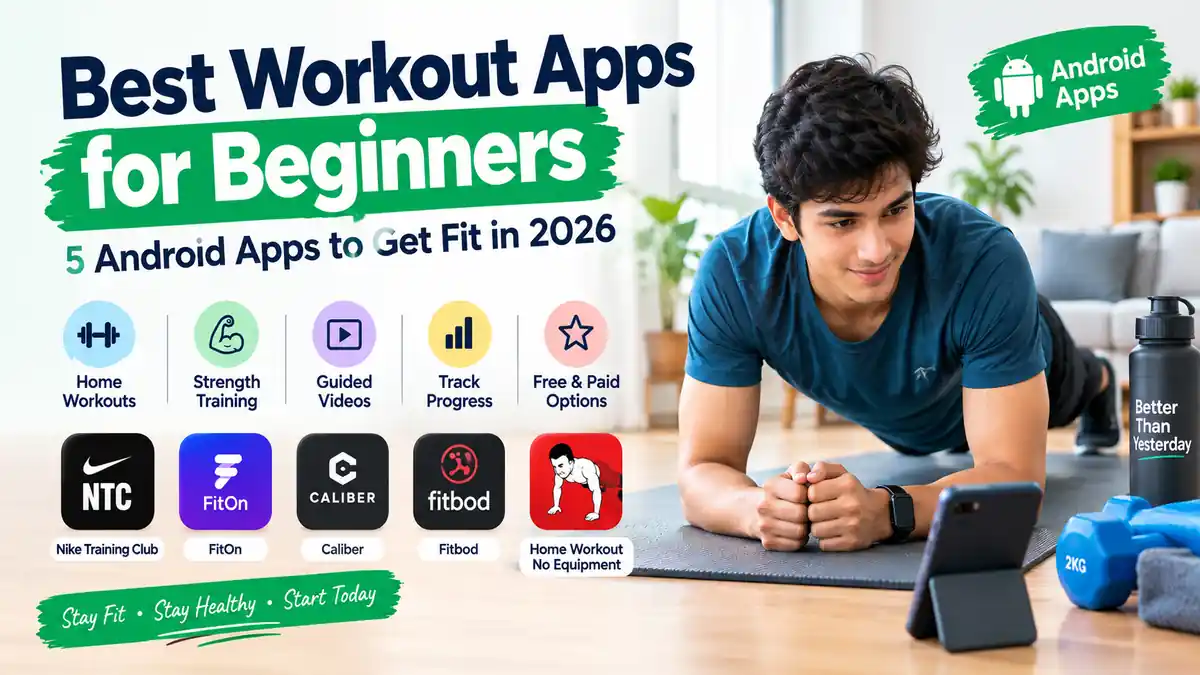
Most of the people want to keep their bodies fit and healthy. People will motivate themselves to become fit and maintain consistency, but when they start workouts, they will get confused about where they should start doing workouts. Even I have experienced the same thing when I focused on working out for my body.
As a beginner, people will be confused about it. Once open Google Play and search for workout apps, you are able to see hundreds of applications. There, you can see some of the applications that are built for gym training, and some of them are built for home workouts.
The Actual problem is not about finding a workout app. The problem is about finding the best workout application which make sense for a beginner.
As a beginner, the workout application should make it easy for you to understand what to do, and it should show how exercises are performed, and it should be clear about which features are free and which require a subscription.
For this list, I mainly focused on workout applications that are available on Google Play for Android.
What Should Beginners Look for in a Workout App?
So, actually, before installing a workout application, you must think your self how you actually plan to exercise. Don’t think that the most popular application is the best one for you. You should analyze the application.
Clear exercise instructions
As you are a beginner, you don’t know how to perform exercise should be performed perfectly. According to me, applications that consist of animations or videos with detailed instructions can make the workouts much easier.
You should know and learn how to perform different exercises during sessions. You must need clear exercise instructions if you are a beginner.
Equipment requirements
Not everyone will have dumbbells and resistance bands or a gym near their houses.
If you want to do a workout in your bedroom or living room, you should look for an app that guides you to do workouts with your body weight. If you already have equipment, then select exercises with available equipment.
Workout length
Workout length matters when you are making workouts. A shorter session may be somewhat easier to become fit. Don’t focus on long workouts, which are not practical for beginners. You should maintain consistency while making workouts.
Free and paid features
You should remember that a “Free workout app” has everything free inside the application. Some of the applications provide a large amount of free content, and they also have premium plans. Whereas some of the applications are free to install and also have important features inside the subscriptions.
Progress tracking
Progress tracking is useful when you are trying to stay consistent. Some of the applications will provide workout history and progress information so you can easily track them.
Best Workout Apps for Beginners
1. Nike Training Club – Best Overall Option
Nike Training Club is a strong and best option if you don’t know which type of workouts you need to perform; then you can follow Nike Training Club.
This application mostly covers all the several areas including strength training, yoga, and recovery. This also includes home workouts, which is especially designed for small spaces or areas. Also helps in different situations where there is no availability of equipment.
It is mostly useful for beginners who are not sure about training. Firstly, you should start workout with bodyweight, and later on you can explore strength training or mobility when you become comfortable.
Another thing that is most useful part is the trainer-led approach. The trainer provides you with proper guidance that which you should follow instead of simply doing a list of exercises.
Nike application provides you with activity tracking and also includes the ability to record completed workouts.
It is one of the best applications for beginners who want to do different types of workouts in a single application.
2. FitOn – Best for Home Workouts
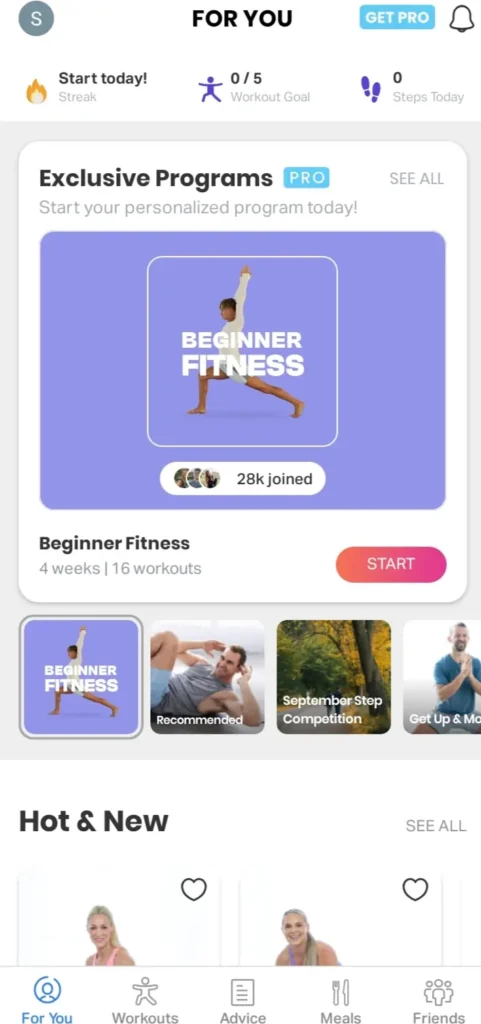
FitOn is the best one for those who want to do workouts at their home. This application mainly offers home workout videos and also covers different categories such as cardio, Yoga, Strength and dance.
The application is more beginner-friendly; beginners can easily browse workouts according to their category and intensity. Overall, they can easily navigate to their requirements.
FitOn also includes some shorter sessions, which will be more helpful for busy people. The application provides limited free workout content. It also consists of a subscription; not all features are available without paying.
This is well-suited for Home workouts and people who want a wide range of workout videos.
3. Caliber Strength Training – Best for Strength Training
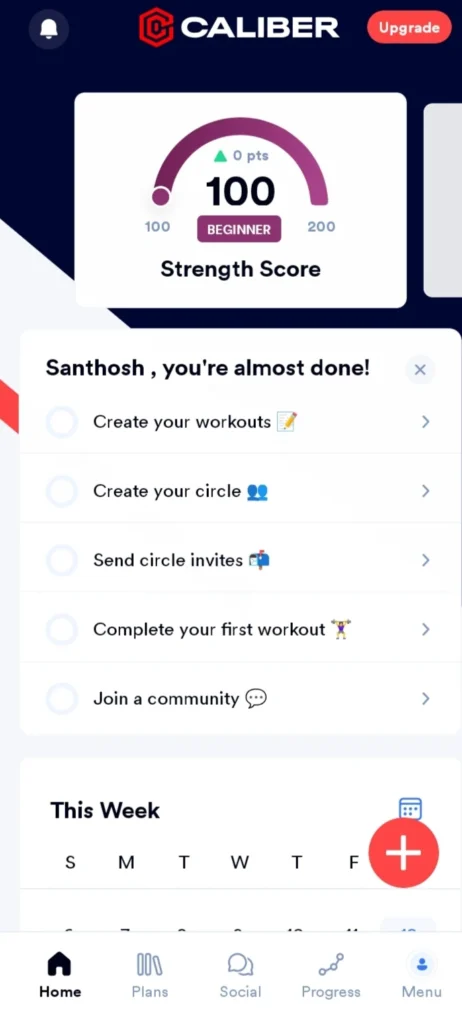
Caliber Strength Training consists of a completely different approach when compared to other applications. This application mainly focuses on follow-along workout videos. And also heavily focused on strength training and workout tracking.
Its free version includes and allows users to create and track their unlimited workouts. Also, they get access to hundreds of exercises.
This application also provides exercise tutorials very clearly, which can be useful if you want to understand the movements of the exercise by following videos from beginning to end.
Caliber is more interesting for a beginner who wants to learn more about strength training. And one more thing: Caliber will not provide you with quick random workouts. It is more focused on creating and tracking workouts.
It also offers paid plans with some additional features like coach-designed training plans and nutrition-related targets.
4. Fitbod – Best for Personalized Workouts

Fitbod is mainly for those people who want more personalized workout planning. The application uses AI to create workouts based on fitness levels, goals, and previous performance. It will be useful for both home and gym workouts.
This application will be more useful if you have specific equipment and do not want to spend time for deciding which exercise you want to do.
This application also includes a large number of exercises with videos that have detailed instructions. It also has more than 1000 exercises, which mostly support beginner, intermediate, and advanced fitness levels. Fitbod also includes in-app purchases. You can choose premium based on your requirements.
5. Home Workout – No Equipment – Best for Simple Home Workouts
Home workout with no equipment is the best and simplest choice if you don’t want to join a gym.
This application mainly focuses on bodyweight workouts that which can be performed without any gym equipment. Also, it includes training for areas like abs, chest, legs, and arms, along with full-body workouts. It also adds warm-ups and stretching to your workout routine.
It has another useful feature: exercise guidance. It guides the exercise with animations and videos that help beginners to understand individual movements very easily.
This application is more suitable if your main aim is to do workouts at your home without the need for any equipment.
Comparison Table of workout apps:
| App | Best for | Equipment | Main approach |
|---|---|---|---|
| Nike Training Club | Overall beginners | With or without equipment | Trainer-led workouts |
| FitOn | Home workouts | Mostly no equipment | Workout videos |
| Caliber | Strength training | Home or gym equipment | Strength + tracking |
| Fitbod | Personalized workouts | Based on available equipment | Personalized planning |
| Home Workout – No Equipment | Simple home workouts | No equipment | Bodyweight workouts |
How Should a Beginner Start With a Workout App?
Most beginners will download a workout application, but they don’t follow it consistently.
Firstly, you should start with a beginner-friendly workout application and choose the beginner program in the application. If you are doing workouts at your home, make sure you have enough space.
You should not go with the longest workout. As a starting stage, you should follow a shorter routine that which fits you. While doing exercises, maintain attention. If you don’t understand a movement, then take some time to learn it.
Try to choose the best application that matches your current needs and gives enough information to understand the exercises.
Which Workout App Should You Choose?
You should choose a workout app based on your needs.
Choose Nike Training Club: if you want the longest range of workout types.
Choose FitOn: if you mainly want home workout videos, then choose FitOn.
Choose Caliber: if your main goal is learning and tracking strength training, then go with Caliber.
Choose Fitbod: if you want personalized workout planning based on your equipment and training history.
Choose Home Workout – No Equipment: if you want straightforward bodyweight workouts without gym equipment.
Also Read: Best Free Billing Apps for Small Business in India
Also Read: Best File Manager Apps for Android (2026 Guide)
Also Read: Best Free Language Learning Apps for Android (2026) – Actually Free
FAQ’S
1. What is the best workout app for beginners?
Nike Training Club is a good all-rounder with a wide range of training types and home and bodyweight workouts. But the best choice depends on the type of exercise, equipment, and style of training you prefer.
2. Are there free workout apps for beginners?
Yes. Many apps give access to free features. However, many apps also offer paid upgrades, subscriptions, or advertising. Check the Google Play listing and the apps themselves to see what is available without paying.
3. What are the best workout apps for home workouts?
I find FitOn, Nike Training Club, and Home Workout – No Equipment to be options for home exercise. I think Fitbod can also be useful if you have equipment and want personalized workout planning.
4. Can I use workout apps without equipment?
I think Nike Training Club offers bodyweight workouts, and I find that Home Workout – No Equipment focuses on exercises that can be done without any gym equipment.