Introduction
When you search for the best coding apps for Android, there will be a lot of articles that recommend some of the apps with some basic explanations. They actually do not explain about how those applications will perform in real-world use.
Some of the students want to learn coding, but they can’t afford in buying Laptop. Learning coding in Android is not a mistake. Even developers will use coding apps to write their logic if they don’t have a laptop with them.
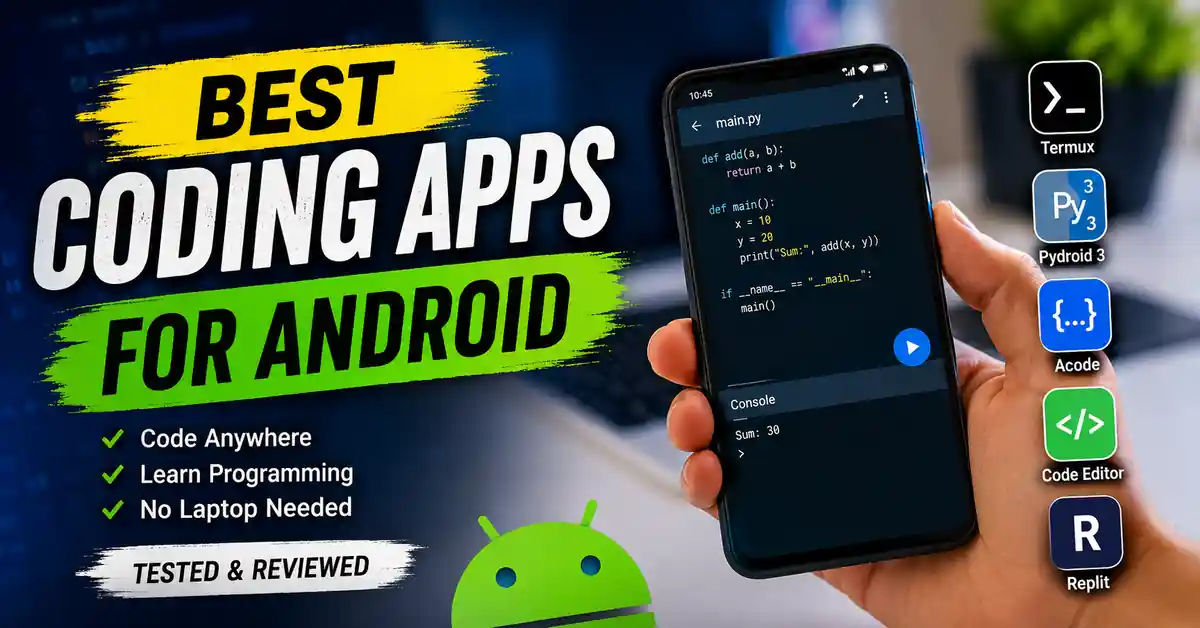
I have tested some coding apps on Android to see which is best to practice. Some of the apps impressed me with their features; all the applications I have listed, all are available on the Google Play Store. In this article, my main aim focuses on the best coding apps for Android that have the best features and reliability.
If you are a beginner learning Python and web development using languages like HTML, CSS, and JavaScript. Here you will find applications that exactly match you. So, let’s get into the topic.
What to Expect When Coding on Android
When compared to Coding on an Android phone, it is completely different from coding on a desktop or a laptop. If you are a beginner, learning coding means coding on Android is the best option. Coding on computers is well-suited for making projects, as well as for learning. But coding on Android makes some less comfortable, but you can practice whenever you want without a laptop, etc.
Android coding apps are made for just practicing basic programs and running scripts. Learning is ok but choosing the right application for your program practice is a main task. I can tell you this guide will help you find a well-suited application for your practice.
Comparison Table Of Apps:
| App | Best For | Supported Languages | Works Offline | Pricing |
|---|---|---|---|---|
| Termux | Linux terminal, Git, SSH, and development tools | Bash, Python, C/C++, Node.js, PHP, Ruby, and more | Yes | Free |
| Pydroid 3 | Learning and running Python applications | Python | Yes | Free (Premium optional) |
| Acode | Web development and general code editing | HTML, CSS, JavaScript, PHP, Python, C++, Java, and more | Yes | Free |
| Code Editor | Lightweight multi-language code editing | HTML, CSS, JavaScript, Python, Java, C++, PHP, Dart, and more | Yes | Free (Premium optional) |
| Replit | Cloud-based development with AI assistance | 50+ programming languages | No | Freemium |
1. Termux: A Powerful Linux Terminal for Android
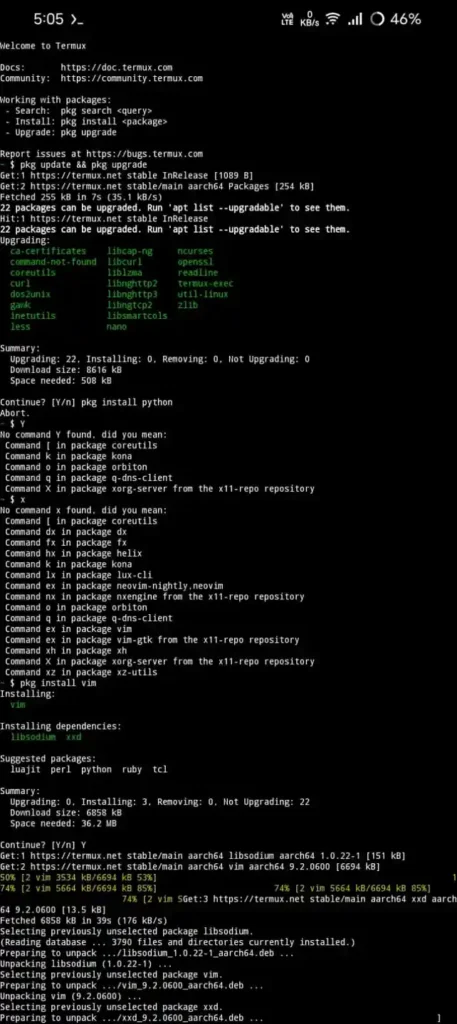
Termux is one of the powerful Linux terminal for android that looks like a Linux like command line environment on your smartphone. And also it allows you to install all the development tools which are required and programming languages like Python, Node.js etc. This Termux is one of the best application for developers, students who want to work with linux commands on their android device.
In Termux you can write and execute scripts, and also you can manages your Git repositories. Using terminal on a touch screen need some practice. Lets now how to install it..
Installing Termux
When you want to install Termux go and download from google play store or Official GitHub for latest features. After downloading to use Termux you need to setup it.
Setting Up Termux
After installing the application, Try to follow these steps to create your environment:
- Open Termux and update the package repository by executing :
pkg update && pkg upgrade - Install the programming language which you want to learn. For example :
pkg install python - You have to install a text editor for editing files directly from the terminal.
- To install it :
pkg install micropkg install vim
What You Can Do with Termux
You can do so many things with Termux like
- Running Python, Node.js, and other programming languages.
- You can write and you can execute scripts.
- you can manage Git repositories.
- Connecting to remote Linux servers with SSH.
- You can learn Linux command-line tools.
2. Pydroid 3: A Beginner-Friendly Python IDE for Android
If you are mostly interested in learning Python on your Android device without using any command line interface, which looks tough. Pydroid 3 is the best application for Python beginners. In Pydroid 3, you can write your Python code and execute it with its interpreter. And also in Pydroid 3, you can install the packages that you need.
The application’s user interface is very easy to use and provides a clear understanding. It is an offline application; it does not require any internet connection to execute your code.
Installing Python Packages
Pydroid 3 supports python packages by using pip(Library). There are some popular libraries like NumPy, Matplotlib, and Scipy. These all libraries will work when you install Pydroid Repository Plugin.
Set up package installation:
- Firstly, Install Pydroid 3 from the Google Play Store.
- Search for and install the Pydroid Repository Plugin from the Play Store.
- Open Pydroid 3 and tap on the menu icon.
- Select Pip from the menu.
- Enable the option to use the prebuilt libraries repository.
- Search in the search bar for the package that you want to install
- Just Tap on Install.
Why Choose Pydroid 3?
After completing initial setup you can run your python programs on pydroid 3 that to in offline. This is best for the purpose of learning, practicing coding etc. without any internet connection.
Some of the key features are :
- It consist of Built-in Python interpreter.
- It has integrated debugger.
- Here you can execute your code in offline.
- Easy package management with pip.
How to Install Libraries (ex: NumPy )
You need to write command like : pip install numpy
3. Acode: A Feature-Rich Code Editor for Android
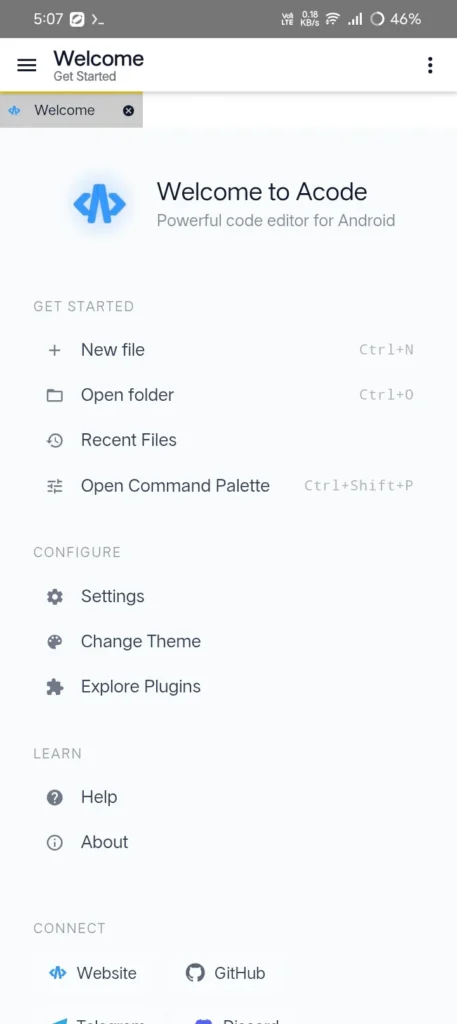
Acode is an open source platform that is designed for Android users who want a flexible environment for editing their source code. The main advantage of this application is that it supports both programming and markup languages like HTML, CSS, and JavaScript. Programming languages like Python, Java, etc.
The User Interface of this application is very easy to understand. It is mostly useful for web developers and programmers who want to learn with their mobile devices. It also supports GitHub integration, and it has a built-in terminal. If you want to edit website code, then you can go with Acode. Let’s discuss its key features.
Key Features
- It has Live preview options for web development with compatible plugins.
- It supports both opening and editing large files.
- It has multiple tabs for working with several files at simultaneously.
4. Code Editor: A Lightweight Multi-Language Editor for Android
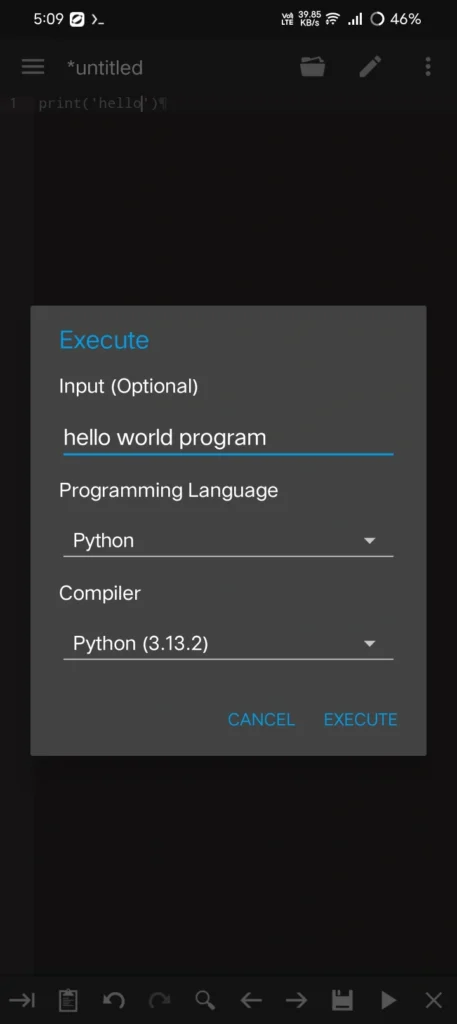
Code Editor is a wonderful application for Android users who want to learn coding on mobile. This application is developed by Rhythm Software. Here, you can write and edit your code directly on your mobile. It supports more than 100 programming languages, such as Python, Java, C++, SQL, etc. If you are learning a language or you want to make changes in an existing project, then you can go with a code editor that is on your mobile.
The main advantage of Code Editor is it is lightweight, and the app runs very smoothly on Android devices. It also consists of a built-in file manager which makes it easy to organize your coding projects.
By using this app, you can connect to FTP and SFTP servers that allow developers to edit files that are stored on remote web servers. So, let’s take a look at its key features.
Key Features
- It supports more than 100 programming and markup languages.
- It has a built-in file manager for organizing projects.
- It also supports multiple tabs for editing several files at the same time.
- It is compatible with both FTP and SFTP servers.
- It is a Lightweight application with a clean and easy-to-use interface.
5. Replit – Vibe Coding: Build and Run Code in the Cloud
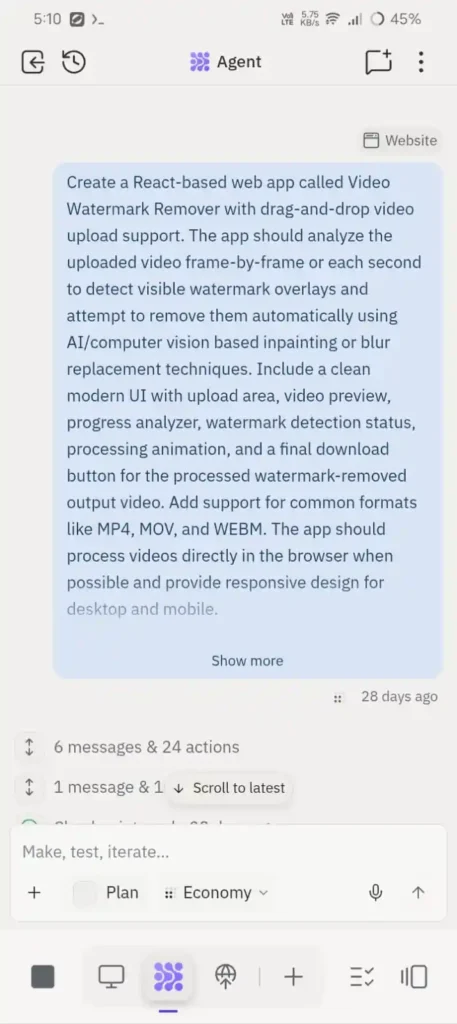
Here in above image you can see I have made application on watermark remover on video using replit
Replit – Vibe Coding is a powerful cloud-based development platform that allows you to write your code, run, and manage code on an Android device itself. This application supports multiple programming languages like Python, JavaScript, Java, C++, etc. It also supports markup languages like HTML and CSS. The main advantage is that if you make your project online, then you can easily continue working from another device.
The new feature is Vibe Coding. It is an AI assistant that helps you to build applications using your natural language prompts. Here, you don’t need to write every line of code manually. You can describe what you want to create in your simple language it will automatically generate code. It is useful for both beginners and experienced developers.
Key Features
- It is mainly suitable for learning programming and developing applications.
- It supports multiple programming languages.
- It consist of Built-in compiler and code execution.
- Automatic cloud project syncing.
- You can share your project.
Also Read: Best Free Billing Apps for Small Business in India
Also Read: Best Offline Music Apps for Android – Listen Anywhere
Also Read: Best Free VPN Apps for Android in India 2026 – Tested
Conclusion
If there is no laptop or computer with you, then coding on an Android device is the best option. You can learn programming on your Android phone. You can choose applications from the above-mentioned. Each app has a different purpose. Termux is best for users who want a Linux terminal and command line. Pydroid 3 is great for those who want to learn and practice Python programming. Acode works best for web development, which is for those who want to learn web development.
Making the right choice will completely depend on your programming language. Make sure comment below that which application you are using to learn or practice your code.
FAQ’S
1. Which coding app is best for Android?
The best coding app depends on your needs and experience. Termux is great for advanced development, while Pydroid 3, Acode, and Code Editor are excellent choices for learning and everyday coding.
2. Can I learn programming using only an Android phone?
Yes, you can learn programming, practice coding, and build small projects using an Android phone. For larger and more complex projects, a desktop or laptop is generally more practical.
3. Do I need an internet connection to use these coding apps?
Not always. Most apps, including Termux, Pydroid 3, Acode, and Code Editor, work offline, while Replit requires an internet connection for cloud-based features.
4. Are these coding apps free to use?
Most of the apps offer free versions with enough features for learning and everyday development. Some also provide optional premium plans with additional tools and functionality.
5. Which app is best for Python programming?
Pydroid 3 is one of the most popular Android apps for writing and running Python code. It includes a built-in Python interpreter and supports many commonly used libraries.