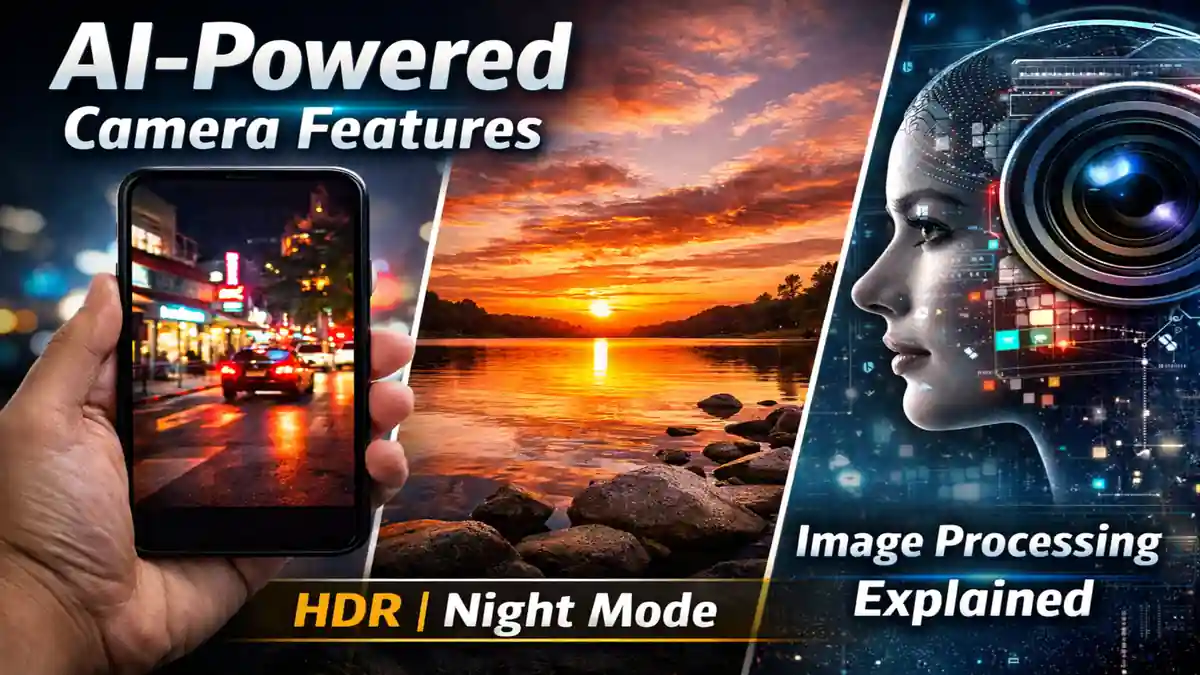
Smartphone cameras improved dramatically over the last decade, but not because sensors suddenly became huge. The real shift happened in software. Much of what we see in today’s photos is the result of advanced processing that happens in the background the moment we tap the shutter.
If you’ve taken a sunset photo where both the sky and the subject look properly exposed, or captured a usable image in near darkness without a tripod, you’ve already experienced how modern camera systems work behind the scenes.
This article explains, in practical terms, how HDR, Night Mode, and image processing actually function. The explanations are based on hands-on testing, manufacturer documentation, and observable behavior across devices in real-world conditions not marketing claims.
What Are AI-Powered Camera Features?
AI-powered camera features refer to scene analysis and image processing systems that adjust exposure, color, contrast, and noise automatically. Instead of depending only on hardware specifications like megapixels or aperture size, smartphones now rely heavily on multi-frame capture and software refinement.
When you press the shutter button, your phone usually doesn’t take a single photo. It captures a burst of frames before and after the press. The system evaluates those frames for sharpness, brightness, and motion, then combines the best data into one final image.
In daily use, this is why modern phones produce consistent results even when lighting is difficult. A few years ago, the same scenes would have required manual exposure adjustments.
HDR Explained in Detail
What Is HDR?
HDR stands for High Dynamic Range. Dynamic range is the difference between the darkest and brightest parts of a scene that a camera can capture without losing detail.
Consider a common scenario: someone standing in front of a bright window. Without HDR, you typically get one of two outcomes:
- The face is visible but the window is completely blown out.
- The window looks correct but the face is too dark.
HDR solves this by capturing multiple exposures and blending them.
How Modern HDR Works
Earlier HDR systems captured two or three distinctly different exposures. Newer systems capture a rapid burst of shorter exposures instead of a few extreme ones. This reduces motion blur and improves alignment.
The processing pipeline typically:
- Aligns frames to correct small hand movements.
- Protects highlight details.
- Lifts shadow information.
- Applies localized tone adjustments instead of global brightening.
One noticeable improvement over older HDR is that newer systems treat different areas separately. Skin tones, sky, and background shadows are processed independently.
During outdoor testing in strong afternoon light, I noticed that current HDR implementations preserve facial detail without flattening contrast as aggressively as older phones did. That said, in very high-contrast scenes, HDR can still produce an overly bright look if pushed too far.
Night Mode: Making Low Light Usable
Low-light photography is challenging because small sensors struggle to gather enough light without introducing noise. Night Mode addresses this using frame stacking.
How Night Mode Operates
When Night Mode activates, the camera:
- Captures multiple shorter exposures instead of one long one.
- Uses stabilization systems to reduce shake.
- Aligns the frames to correct movement.
- Reduces noise using pattern analysis.
- Merges the data into a brighter final image.
Because the exposures are shorter, blur is reduced compared to a traditional long exposure. The final result often appears brighter than what the eye perceives in the moment.
In my own testing during evening street photography, Night Mode significantly improved shadow clarity under streetlights. However, it sometimes brightened scenes beyond realism. A dark street can look closer to dusk than true night.
What Happens After You Take a Photo
HDR and Night Mode are just visible features. Even standard daylight photos go through several processing steps.
Scene Recognition
The system evaluates whether it is photographing a face, landscape, food, text, or low-light environment.
Exposure and Contrast Balancing
Different areas of the image are adjusted independently rather than applying a single brightness value across the frame.
Noise Reduction
Instead of blurring the entire image, modern systems reduce noise selectively while preserving edges.
Sharpening
Edge-aware sharpening enhances detail without making smooth surfaces look unnatural.
Color Tuning
Each brand applies its own color science. Some aim for natural tones, others prefer vibrant output.
These adjustments happen automatically unless the user disables certain options.
Portrait Mode and Subject Separation
Portrait mode relies on depth estimation and subject segmentation. Earlier versions depended heavily on dual cameras to estimate depth. Newer systems can separate subject from background using single-camera data combined with trained depth models.
The system identifies:
- Facial contours.
- Hair edges.
- Shoulders and clothing boundaries.
- Foreground and background layers.
In real world use, edge detection around hair has improved significantly compared to early implementations. Complex backgrounds can still cause minor separation errors, especially when colors are similar.
Multi-Frame Capture: The Core Strength
One of the most important advances in smartphone photography is continuous frame buffering. Even before you press the shutter, the camera is temporarily storing frames in memory.
When you finally capture the image, it selects the sharpest and most balanced frames, then merges them. This approach improves dynamic range and reduces motion blur.
This is why newer smartphones handle slight hand movement better than older models.
Where Processing Still Falls Short
Despite improvements, there are limits.
- Excessive noise reduction can remove fine texture.
- Strong HDR can make scenes look flat.
- Fast-moving subjects can produce ghosting artifacts.
- Mixed lighting can confuse white balance systems.
From personal experience, sunset photos sometimes look better with HDR reduced. Allowing some shadows to remain natural often creates more depth.
Why Software Often Matters More Than Megapixels
Megapixels determine resolution, but they do not guarantee better dynamic range or cleaner low-light performance.
A well-optimized 12MP sensor with strong processing frequently produces more balanced results than a higher resolution sensor with weaker tuning.
This also explains why camera quality can improve through software updates alone.
Real-World Observations After Extended Use
After testing multiple smartphones in bright daylight, indoor mixed lighting, and nighttime environments, one pattern stands out: consistency.
Modern processing systems reduce the number of failed shots. Even quick snapshots tend to be usable. However, users who prefer a more natural look may occasionally need to disable certain features or adjust exposure manually.
The best results usually come from understanding how the system behaves in different lighting situations rather than relying on it blindly.
What to Expect Going Forward
Camera development is increasingly focused on processing improvements rather than dramatic hardware changes. Areas receiving attention include:
- Real-time HDR video
- Motion correction in low light
- Improved subject masking
- More accurate color rendering in mixed lighting
The direction is clear: smarter processing, not just bigger sensors.
Also Read: AI in Smartphones: How Spam and Fraud Apps Are Detected in 2026
Also Read: Online Multiplayer Lag: Network vs Device Performance Explained
Conclusion
AI-powered camera features have reshaped smartphone photography. Through HDR blending, multi-frame stacking, and refined image processing, phones now handle lighting conditions that once required dedicated cameras.
While the technology works automatically, understanding what it is doing helps you recognize when to rely on it and when to make manual adjustments. The result is not just better photos, but more consistent ones.
FAQs
1. What are AI-powered camera features?
They are processing systems that analyze scenes and automatically adjust exposure, color, and noise by combining multiple frames into one refined image.
2. How does HDR improve image quality?
HDR captures several exposures and blends them to preserve both highlight and shadow detail, reducing blown-out skies and underexposed subjects.
3. Is Night Mode the same as long exposure photography?
No. Night Mode captures multiple shorter exposures and merges them, reducing blur while increasing brightness and clarity.
4. Why do some smartphone photos look overprocessed?
Strong sharpening, aggressive noise reduction, or heavy HDR blending can create an artificial look, especially in already well-lit scenes.
5. Are higher megapixels always better?
Not necessarily. Image processing quality and sensor performance often influence final image quality more than resolution alone.