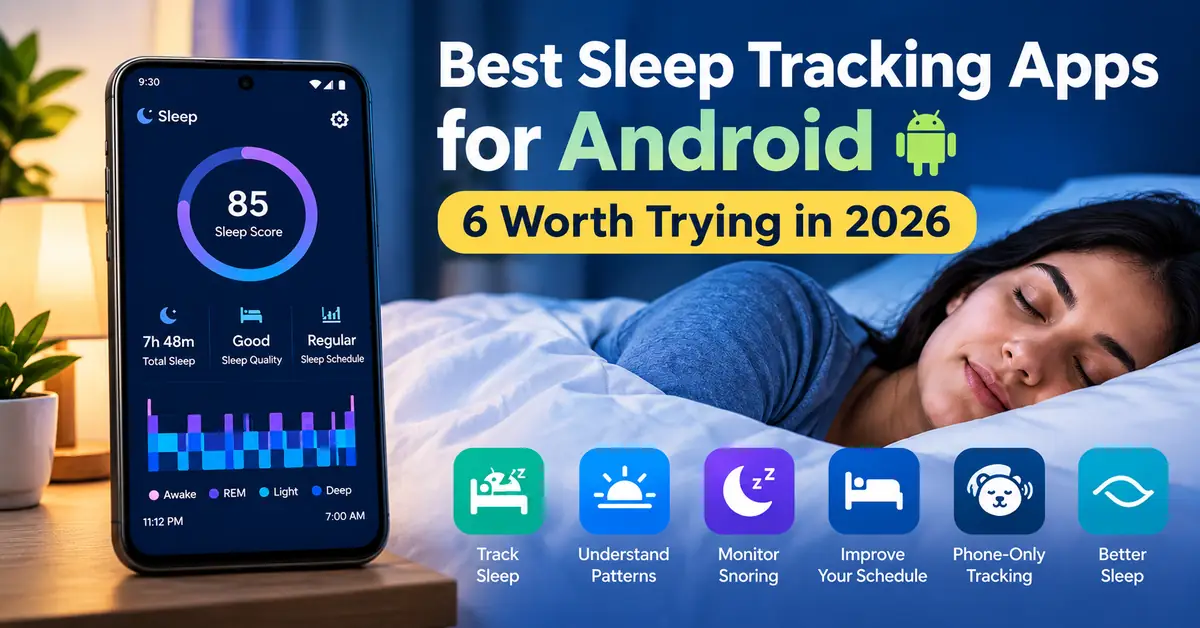
Normally, I used to think that sleep tracking is all about tracking how much I slept. Suppose the tracking shows seven or eight hours. Then I considered the night is successful. Sleep is not only about counting how many hours you spent in bed. It is also about your sleep schedule, how regularly you sleep, and also about how your sleep changes from one day to another. Also, they give you a clearer picture of sleep instead of showing just the number of hours you slept.
There are so many sleep tracker apps for Android, but not all applications will work in the same way. Some of the applications will mainly concentrate on sleep cycles and smart alarms, whereas other applications will focus on sleep debt and relaxation from a smartwatch.
For this article, I have searched for the best sleep tracking apps for Android which offers a sleep score to your phone. I also checked their current Google Play listings for app features, ratings, etc..
So, here are the six sleep tracking applications that are worth considering.
What makes a sleep tracking app useful?
Sleep tracking applications are more useful because they help you to learn more about your sleep.
A simple tracker is more enough if you want to know when you went to bed and when you woke up. But if you want to know why you are feeling tired during the daytime, then you need to check your sleep duration, consistency, and snoring, or overall sleep routine.
I tested these applications; I know how each application collects information.
A sleep tracking app works differently when compared to a smartwatch. Your phone may use some movements and sounds around you to estimate how you slept, whereas a smartwatch will collect extra information through sensors.
The 6 sleep tracking apps comparison
| App | Main focus | Best suited to |
|---|---|---|
| Sleep as Android | Detailed sleep tracking | Users who want lots of sleep data |
| RISE | Sleep debt and energy | People working on their sleep schedule |
| ShutEye | Sleep tracking and relaxation | Users who want bedtime sounds and meditation |
| Sleep Monitor | Everyday sleep reports | People wanting straightforward tracking |
| SnoreLab | Snoring analysis | People concerned about nighttime snoring |
| Sleepwave | Phone-based tracking | Users who don’t have a smartwatch |
1. Sleep as Android: For people who want detailed tracking
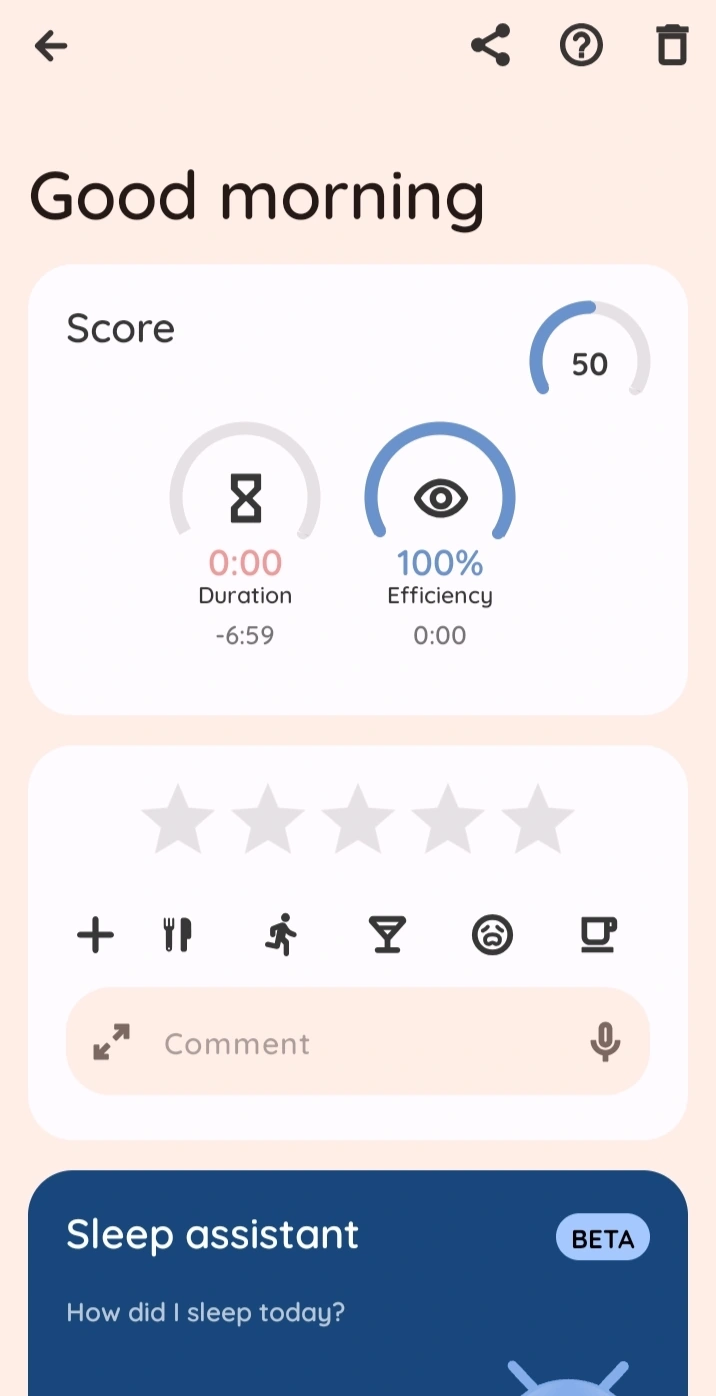
Sleep as Android is the best choice for people who want detailed tracking of their sleep. I will choose this application if I wanted more detailed information about my sleep without buying a sleep device like a smartwatch.
This application covers sleep tracking, smart alarms, bedtime reminders, and sleep scores. It can also detect your sounds such as snoring and sleep talking.
One of the most interesting features is contactless sonar tracking. It also supports a range of wearables, including Pixel Watch and Fitbit devices.
This application also provides information such as sleep regularity, efficiency, and sleep phases when the required sensor device is supported.
This application has a freemium experience that consists of ads. For premium features, you need to upgrade.
2. RISE: If your real problem is an inconsistent sleep schedule
The RISE application will mainly focus on sleep debt, energy level, and circadian rhythm.
The main idea behind RISE is useful because it can simply understand that you slept six hours. And it does not clearly explain why you feel tired.
If your sleep schedule is inconsistent and sleep debt, then it can give you a way of understanding the problem.
This application also includes features such as sleep sounds and meditation guides, and a sleep knowledge library. This application best sleep management tool when compared to other simple sleep recorder. RISE application has in-app purchases. So, first use the free features before taking the subscription.
3. ShutEye: More than just a sleep tracker
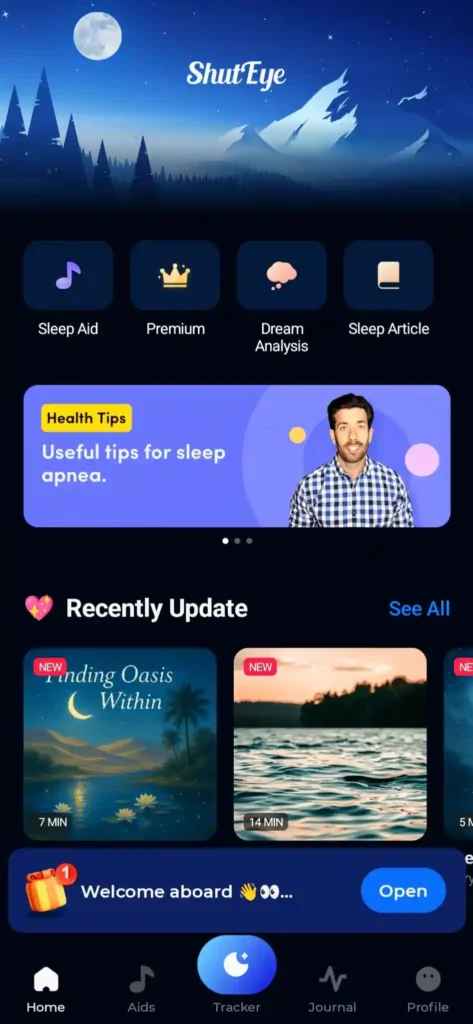
ShutEye is not just a sleep tracker; it is more than that because it combines sleep tracking with some tools that help you to relax before bed.
This application tracks sleep duration, consistency, recovery, and sleep trends. This application provides a daily sleep score and personalized sleep analysis.
It also includes white noise, nature sounds, relaxing soundscapes, and sleep stories. You can also create a bedtime environment that suits you by mixing different sounds.
I had trouble sticking to a proper bedtime routine. I used this application because it combines sleep tracking with more useful relaxation sounds. This application helped me to understand my sleep and also improved my routine. This application does not contain in-app purchases for some advanced features you need to pay for them.
4. Sleep Monitor: A straightforward option for everyday tracking
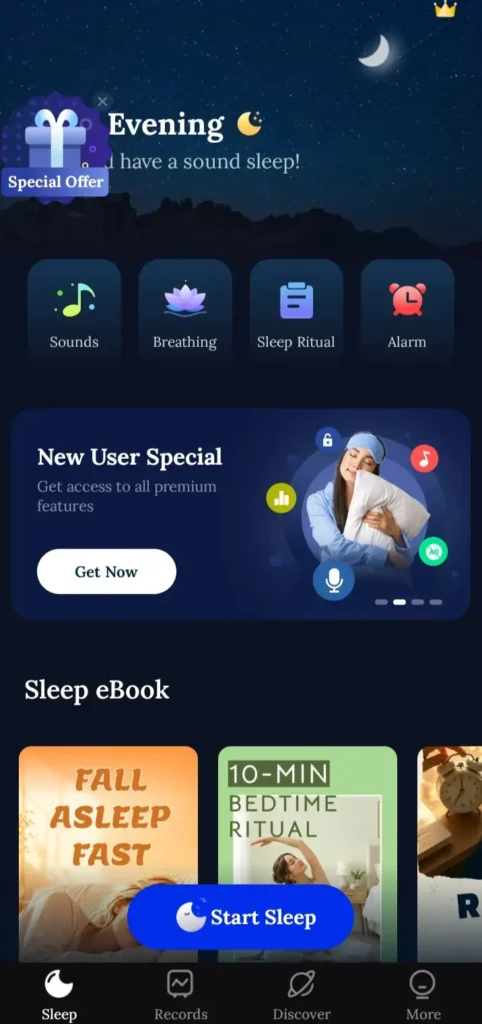
Sleep Monitor mainly focuses on the information of a sleep tracker, which includes sleep duration and sleep-related reports. It also offers features like nighttime sounds and snoring.
This application is more useful if you don’t want to spend time on learning a complicated sleep platform.
If you are starting sleep tracking for the first time, then you can choose Sleep Monitor because here you can begin by watching your bedtime, wake-up time, and total sleep instead of worrying about every sleep estimation.
The application consists of ads and in-app purchases, and you should decide how much of the app you want to use before deciding.
5. SnoreLab: The specialist option for snoring
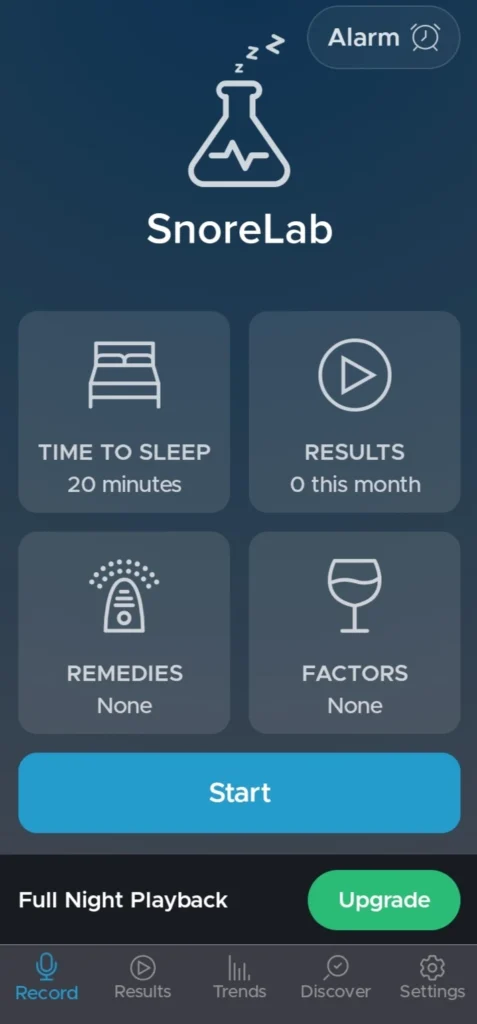
SnoreLab is completely different when compared to others because it is not only for sleep tracking; it is designed to record and analyze snoring.
This application has a 4.4-star rating, 5 million-plus downloads, and more than 52000 reviews. It was last updated on September 19th, 2026.
Make sure you place the phone beside your bed before you go to sleep so that SnoreLab can record ight time sounds. In the morning, it provides you with a snore score.
In sleep, you can’t find wheather you are snoring. You can know that if someone says. But you don’t know how long it continued throughout the night.
SnoreLab consists of one of the best features that is breating-analysing. And the developer clearly says that SnoreLab is not a medical device. I would use this application to document a problem, not to diagnose.
6. Sleepwave: A phone-only approach
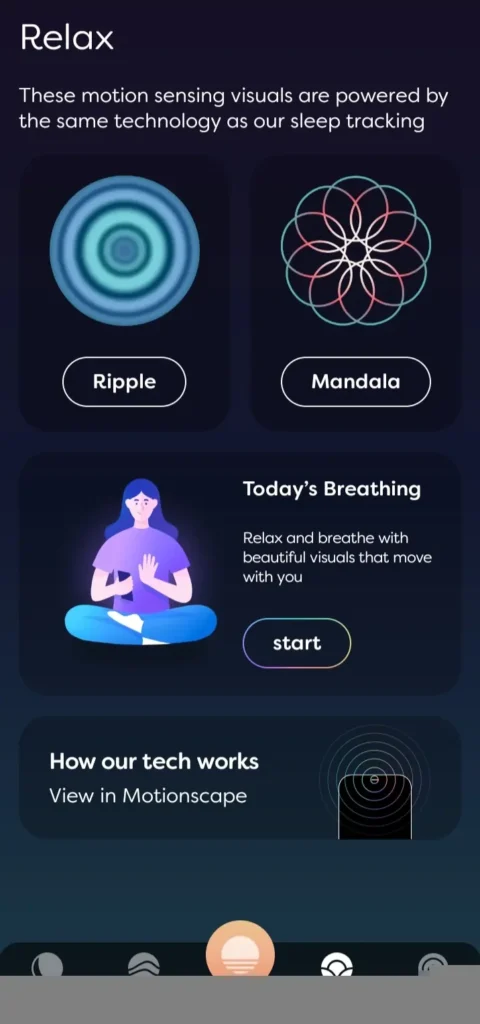
Sleepwave is one of the phone-based sleep tracking applications. Sleepwave uses motion-sensing technology if you place your phone beside your bed. This application can track sleep cycles, and it also provides rest information without the need for a wearable.
This application has 1 million-plus downloads and a 4.4-star rating, and it has 4,500 reviews. It was updated on March 23, 2026.
Sleepwave consists of a smart alarm that is designed to wake you at an appropriate point in the sleep cycle. It also provides relaxing sounds and soundscapes.
For this application, no login is required, and microphone audio is used for movement detection.
The freemium version includes sleep tracking and a smart alarm; additional features, such as the sound library, are available in the premium subscription.
Don’t take every sleep score literally
This is the important thing I can tell you: your phone will not measure your brain waves while you are sleeping. When an application says you should spend a certain amount of time in light sleep, you should follow it based on the amount of time it will generally estimate, and it will also measure based on algorithms available to the app. So, I recommend not taking every sleep score.
Also Read: Best Workout Apps for Beginners in 2026: 5 Android Apps
Also Read: Best Free Billing Apps for Small Business in India
Conclusion:
After seeing these sleep tracking apps, I think you don’t need to spend your time finding the app with the longest feature list.
If you want detailed tracking information, Sleep as Android gives you more information. RISE is more focused on sleep debt. ShutEye offers relaxation features with tracking. Sleep Monitor keeps things very simple, and SnoreLab is mainly for people who want to understand their snoring. If you want to track sleep just using your phone, then you can prefer Sleepwave.
Personally, I will use one application for tracking my sleep instead of jumping to several apps. If you change apps continuously, you will get confused. My recommendation is to stick to one application and maintain consistency. And check your normal sleep pattern and make changes in your sleep pattern if required.
.
FAQ’s
Can I track sleep without a smartwatch?
Yes. Apps such as Sleep as Android and Sleepwave provide phone-based tracking options. Their approaches are different, so the information they provide can vary.
Are sleep tracking apps accurate?
They can give you a useful idea of your sleep habits, but I wouldn’t treat the numbers as exact. Things like sleep stages are estimates, so they shouldn’t be considered the same as measurements from a professional sleep study.
Which Android app is best for tracking snoring?
If snoring is the main thing you want to track, SnoreLab is specifically built for that. It records sounds during the night, gives you a Snore Score, and lets you look back at your results over time.
Can sleep tracking apps detect REM and deep sleep?
Some apps can estimate when you were in light, deep, or REM sleep. I’d treat those numbers as a rough guide rather than an exact measurement, because the app is estimating your sleep stages from the sensor data it can collect.
Can I track my sleep without a smartwatch?
Yes. Some Android apps can track your sleep using your phone, so you don’t necessarily need a smartwatch. Sleep as Android and Sleepwave are examples of apps that offer phone-based tracking, although they use different approaches.