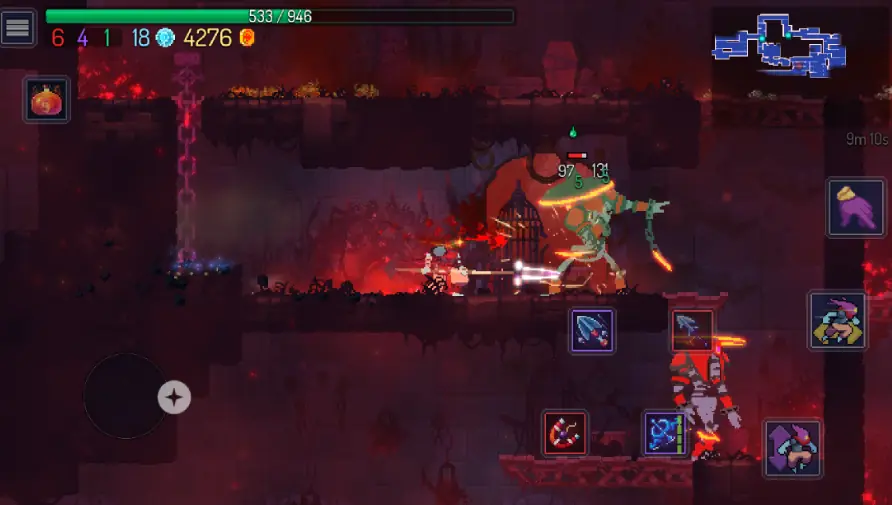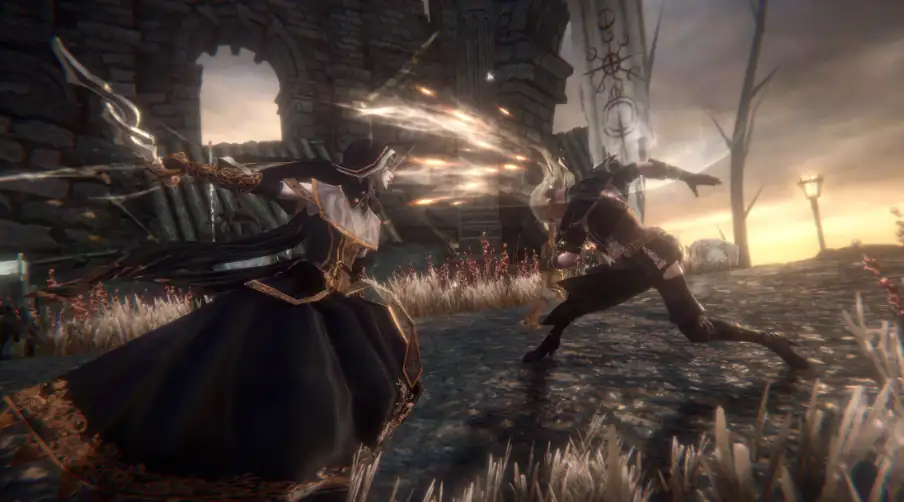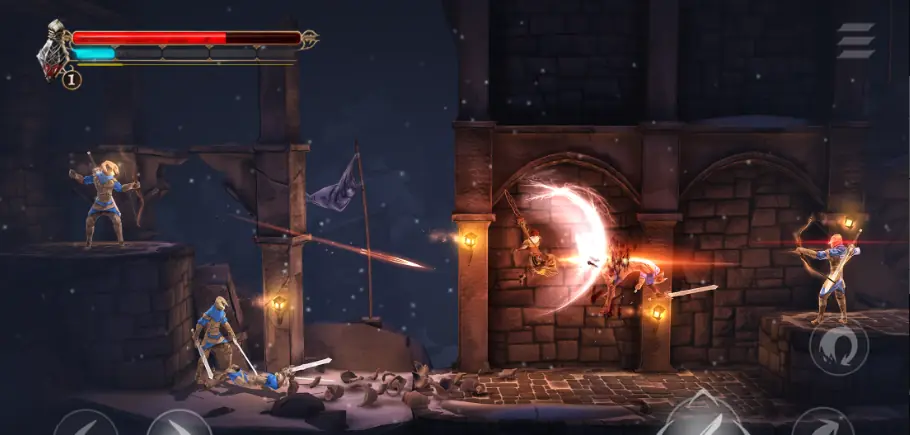
There is a special kind of pain: you see a gorgeous game trailer, hit “Install,” and your 32 GB phone politely responds, “Requires 6 GB free. Also please sacrifice three other apps and your remaining dignity.”
If you’re on a low‑end or older Android phone in India — 2–4 GB RAM, 32/64 GB storage, some MediaTek/old Snapdragon chip — you already know the script. PUBGM‑type games stutter, Genshin makes your phone feel like a tawa, and half the “best graphics” lists assume you’re secretly running a gaming laptop disguised as a phone.
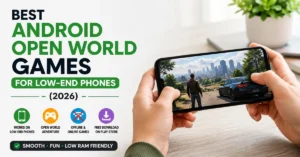
This site is about tech that people here actually own, not just what YouTubers are sponsored to pretend they use. So this list is very specific: high graphics Android games under 500MB that are actually playable on low‑end phones in 2026 — not compressed scams, not “500MB on Play Store + 4GB extra OBB,” but stuff you can download, run, and still have space left for WhatsApp and Insta.
THE THING NOBODY ACTUALLY SAYS OUT LOUD
Let’s be straight: no game under 500MB is going to look like a PS5 title, but some of them come disturbingly close for what they’re asking from your storage.
Nobody writes that in their thumbnails because “PS5‑level graphics under 500MB!!” gets more clicks. In reality, what you’re dealing with is trade‑offs: resolution, texture quality, open‑world size, number of assets, and how brutally the dev compressed everything to squeeze into your phone. The reason most “best graphics” lists are full of 5–10 GB monsters is simple — artists need space.
On low‑end phones in India, the situation is even more spicy:
- You’re juggling 2GB or 3GB RAM with background apps, notifications, and your “never clear” WhatsApp.
- You probably can’t afford to keep one 15GB game sitting there just in case your friends decide to play once a month.
- Your data pack is not thrilled about a 6GB update in the middle of the day.
So you live in this weird middle: you want games that look like they belong in 2026, but you need them to act like it’s 2017 in terms of file size. The good part? Developers know this. “Offline high‑graphics games under 500MB” is now a full YouTube niche with updated lists, and there are plenty of titles where devs have taken the “small but polished” route instead of “giant open world, low effort.”
The other thing nobody says: the Play Store size you see is often a lie. You’ll see “420MB,” you feel safe, and then once you install, the game downloads extra data, OBB files, or HD texture packs. Then you’re back at “device storage almost full” and considering whether old family photos are worth more than this racing game.
Most polished articles also quietly ignore that low‑end phones are still very common in India in 2026. There are entire Telegram channels and blogs dedicated to “highly compressed” games, mod APKs, and hacked OBBs just because people are trying to squeeze big titles into tiny phones. Nobody does this for fun. They do it because the mainstream gaming world pretends everyone has a flagship.
So this article is for the person with a decent but not fancy phone, who wants games that look good for their size and actually run — not just theoretically “support low settings.”
HOW THIS ACTUALLY WORKS THE REAL MECHANICS
To understand why some games look surprisingly good under 500MB and others lag at the start menu, you have to know what’s inside that number. That file size is a mix of engine, assets, audio, code, and sometimes half your patience.
Here’s the short version of the mechanics:
- Engines like Unity and Unreal have a base overhead. Even a simple 2D game can be 50–60MB just because of the engine runtime.
- Textures and models eat space when you want detailed faces, vehicles, and environments. High‑res textures = sharper visuals = more MB.
- Audio (voice, music, sound effects) can balloon size if devs use long, high‑quality tracks instead of tight loops.
- App Bundles vs APK + OBB: with Android App Bundles, Play can give you only the parts your device needs, keeping download size lower than total assets. With older OBB setups, the base APK may look small, but extra data files blow past 500MB after install.
The niche angle almost nobody mentions: for low‑end phones, what matters is not just the size, but how the game uses RAM, how aggressive its post‑processing is, and whether it actually exposes graphic settings you can tweak. A well‑optimised 450MB game can run smoother than a badly coded 300MB one.
Lots of “offline under 500MB” lists now highlight titles that deliberately target low‑end hardware while still offering surprisingly solid visuals. You’ll see patterns:
- Controlled environments instead of massive open worlds.
- Stylised graphics instead of hyper‑realistic textures.
- Smart use of lighting and camera angle to cheat “quality” without extra assets.
Here’s a short, opinionated breakdown of what you’re really choosing between:
- Stylised racers and arcade games
These squeeze a lot of “wow” into small files because they reuse car models, tracks, and effects cleverly. Great for when you want a “console feel” on older hardware. - Offline campaign shooters
Instead of huge online maps, they run small levels with controlled enemy paths. The right ones give you surprisingly intense visuals in under 500MB. - Isometric / top‑down action RPGs
You see less of the world at once, so devs can fake detail without loading big textures. These often hit the sweet spot between performance and graphics. - Horror / story games
Dark environments hide low‑poly details. Great atmosphere, smaller file size. Also great for draining your battery at 1 AM when you should be sleeping. - Simulation / driving titles
These can either be a win or total chaos. Well‑optimised ones like compact rally/racing games or simplified open worlds can still feel premium without being storage monsters.
Once you see this, you stop chasing lists that promise “most realistic graphics ever” and start looking for “smart art direction compressed into a sane install.”
COMPARISON WHAT’S ACTUALLY DIFFERENT BETWEEN YOUR OPTIONS
Here’s the fun part: 10 high‑graphics‑for‑the‑size games that sit around or under 500MB and generally play nice with low‑end hardware, based on 2025–2026 under‑500MB and offline lists. Always check current Play Store size before downloading — devs love updates.
| Game (type) | What it actually does | Who it’s for | The catch |
| Turbo Legends (racing) | Compact racing with nice car models and drift physics | NFS/Asphalt fans on low‑end phones | Limited car roster vs big AAA titles |
| Zombie Harbor / Zombie Safari‑style (action) | Open-ish levels with zombies and vehicles, fun lighting | Casual action players who like chaos | Repetitive missions after a while |
| Battlefront Europe: WW2 Heroes (shooter) | WW2 shooter with decent guns and maps | Offline FPS lovers | Not Call of Duty level polish; AI can be dumb sometimes |
| Dawnblade (action RPG) | Isometric hack‑and‑slash with flashy effects | Diablo‑style loot enjoyers | Online features can creep in; progression can feel grindy |
| Wall of Insanity (horror) | Third‑person horror shooter with tight corridors and lighting | Horror fans with headphones | Controls take a bit to get used to |
| Moto Stunt / Mountain Climb Racing (stunt racing) | Good physics in small stunt maps | Timepass stunt / bike game players | Graphics are nice, but not “ultra realistic” |
| Strike Force / Sniper Honor‑type FPS | Mission‑based shooting with decent visuals | FPS fans who want quick sessions | Ads or grind if F2P; not esports‑grade |
| Outbreak: Dead City (zombie survival) | Atmospheric zombie shooter with limited resources | Survival/horror mix lovers | File size may hover near 500MB; check before install |
| Trench Warfare‑style WW1 game | Side‑view tactical shooter with stylised but striking art | Strategy-minded shooter fans | Less “3D freedom,” more lane control |
| Random physics / sandbox like DEEEER Simulator | Dumb fun with surprisingly good effects for size | People who like chaos and memes | Not “serious graphics,” more “this looks way better than it should” |
If you want one line of advice: go for smaller but well‑reviewed offline titles like Turbo Legends, Dawnblade, and a solid shooter or horror game, instead of trying to force giant online battle royales onto a phone that’s already begging for mercy.
WHAT ACTUALLY HAPPENS WHEN YOU TRY THIS
When you actually start downloading high graphics games under 500MB on a low‑end phone, the first thing you notice is how many lists are lying to you. “Under 500MB” on YouTube often turns into 700–900MB after Play Store pulls extra data.
You pick something like Turbo Legends from an offline under‑500MB list. The Play Store shows ~300–400MB. It installs without drama, no huge extra download. You open it expecting janky car models… and it looks surprisingly clean. Reflections are simple but effective, tracks are compact but not ugly, and your phone doesn’t sound like it’s about to take off. You realise this is the secret sauce: smaller environments + stylised cars + smart lighting = “high graphics” on a budget.
Then you try a WW2 or WW1 shooter like Battlefront Europe or a Trench Warfare‑style game from an offline list. These load quicker than you expected. You get decent weapon models, smoke, explosions, and sound that actually sounds like guns, not toys. On a 2–3GB RAM phone, you can play a full mission without the device choking. What surprised me the first time with these types of games is how focused they are. No 10GB open world, no 100‑player lobby, just small maps that run well and still feel intense.
When you move into horror — something like Wall of Insanity or Outbreak: Dead City type games — you realise devs use darkness to their advantage. Limited light means they don’t have to render huge detailed geometry, but your brain fills in the fear. On low‑end phones, these are often smoother than bright, open environments with lots of textures. You sit in a dark room at 1AM, sound up, low brightness, and you forget this thing is under 500MB while your heart rate absolutely ignores your storage constraints.
A pattern most articles skip entirely: thermals and battery. On a budget phone, a big online shooter or modern open‑world can overheat the device in 20–30 minutes and tank your battery by 20–30% per session. With compact under‑500MB games designed for offline play, you still feel the heat, but it’s more “warm handwarmer” than “volcano.” And you’re not permanently connected to a sweaty lobby full of sweats yelling “mic on bro.”
What nobody warns you about is “engine tax.” Some big‑engine games will hit 400MB just to show you a menu and a basic tutorial. Meanwhile, something like a stunt racer or isometric RPG with a lean engine will give you full levels, skills, sound, and effects in the same space. After testing a few, you stop judging visuals purely by resolution and start caring about consistency: does it stay smooth in a crowd? Does it stutter when explosions happen? Does your phone script shut down after 20 minutes?
When you actually live with these games on a low‑end phone, you learn to appreciate:
- Offline mode (no lag, no data drain).
- Simple, accessible graphics settings (so you can drop shadows on older phones).
- Games that don’t need an account and OTP just to start a level.
And yes, once in a while you’ll still try a huge 4GB online monster just to see if your phone can survive. But for daily stress relief between lectures or in the metro, the 300–500MB crew usually wins
THE ADVICE EVERYONE GIVES VS WHAT ACTUALLY WORKS

1. “Just play the popular AAA mobile games, they’ll adjust graphics automatically.”
This is the advice people with expensive phones give. Big titles do auto‑detect hardware and drop settings, but their base expectations are still high: large maps, many players, complex physics, HD textures. On a 2–3GB RAM device, this auto‑adjust often means constant frame drops, slow loading, and your phone turning into a heater.
What actually works: pick games that were designed from day one to run on mid and low hardware. Offline under‑500MB lists from 2025–26 are full of these — compact racers, mid‑scale shooters, stylised action RPGs that look solid without needing full console‑level assets. Let YouTubers test your phone’s limits with giant games; you test your sanity with ones that run well.
2. “Size doesn’t matter, only optimization does.”
This is half‑true and sounds clever. Yes, optimization matters more than raw size — a 450MB well‑built game can feel better than a 900MB mess. But on low‑end phones with limited storage, size is not just a technical detail; it’s a real constraint. You need space for OS updates, photos, WhatsApp, and college PDFs already.
The better rule: use size as a filter, not as the final judgment. Under 500MB is your sweet spot for low‑end, but within that, still check reviews for lag, crashes, and heat issues on similar devices. “Optimized and small” is the goal, not “small so I don’t care how laggy it is.”
3. “Install compressed APK + OBB from random sites, you can run any big game.”
This is the classic hostel hack, and it technically “works” sometimes. But you’re now trusting your phone’s security, battery, and maybe banking apps to some random zip you found via a Telegram link. On top of that, big OBB‑based games often need extra permissions and can break with Android updates.
A saner alternative: if you really want a bigger title, install it straight from Play when you have Wi‑Fi and enough storage, then keep only one large game at a time. For daily gaming, fill the gaps with small under‑500MB titles from verified stores. You’re not just saving space; you’re saving yourself from malware and weird system behaviour.
4. “Just buy a better phone if you want good games.”
Ah yes, the solution to everything: “just buy.” For a lot of students and early‑career folks, that’s not realistic every year. You’re juggling fees, rent, family expectations, and whatever’s left after Swiggy and Zomato. Upgrading to a top‑tier gaming phone for one game is not smart money.
What actually makes sense: accept your phone’s limits and choose games that respect them. Under‑500MB high‑graphics titles prove you can get satisfying visuals and gameplay without a flagship. Then, if you do upgrade later, you’re upgrading from a place of “I can already enjoy stuff” instead of “my phone is unplayable, I’m desperate.”
THE PRACTICAL PART WHAT TO ACTUALLY DO
1. Check post‑install size, not just Play Store size
Before committing, open the Play Store page and scroll down to “About this game,” where size is roughly mentioned. After installing, go to Settings → Apps → [Game] → Storage and see the actual total — app + data. If your “450MB” game quietly turned into 1.2GB with extra downloads, uninstall and move on. That habit alone keeps your storage from becoming a crime scene.
2. Prioritize offline games for low‑end phones
Offline titles under 500MB take a lot of pressure off your device: no network latency, no constant data exchange, fewer background processes. When you search, add “offline” and “under 500MB” to your query. This instantly filters out half the battery‑draining monsters and gives you games like Turbo Legends, Dawnblade, and compact shooters that are designed to be playable without a constant connection.
3. Read reviews from people with similar phones
Scroll Play Store reviews and look specifically for comments that mention “low‑end,” “2GB RAM,” “3GB RAM,” or old chipsets. People will literally say, “Runs fine on my Redmi 9A / Galaxy M12” in many under‑500MB game reviews. These are your real‑world benchmarks. If multiple people with budget phones say it’s smooth, chances are high you’ll be okay.
4. Keep 2–3 “main” games and rotate the rest
On a low‑end device, trying to keep 10 heavy games installed is how you get random lag in even normal apps. Pick 2–3 high‑graphics‑for‑size games that you genuinely play — maybe one racer, one shooter, one RPG — and let everything else be temporary. When you’re bored, uninstall one and try something new from an under‑500MB list instead of hoarding.
5. Turn down effects before you complain about lag
Most of these games have a basic graphics menu: low/medium/high, resolution scaling, shadows, maybe frame rate options. On low‑end hardware, start with low or medium, lock frame rate if there’s a stable option, and disable extra effects like motion blur. Only then decide whether the game is “badly optimized.” A lot of titles under 500MB are tuned for mid‑range phones by default; customizing them for your device can make them surprisingly smooth.
6. Don’t ignore thermals and battery
If your phone gets too hot or battery sinks too fast, that game is not truly “low‑end friendly,” no matter what the file size is. Play for 20–30 minutes and consciously check: is the back burning? Did your battery drop 15–20%? If yes, save that game for short bursts, not long sessions. There’s no point having pretty graphics if your phone taps out before you finish a match.
QUESTIONS PEOPLE ACTUALLY ASK
Which are the best high graphics Android games under 500MB for low-end phones?
Some standout picks from recent under‑500MB lists include Turbo Legends for racing, Dawnblade for action RPG, Battlefront Europe or similar WW shooters for offline shooting, and horror titles like Wall of Insanity or Outbreak‑style games. They balance good visuals with small size, and many are designed to run on mid and low‑range devices. Always recheck current size on Play Store because updates can push games closer to the 500MB limit over time.
Do these under 500MB games really have “high graphics”?
“High graphics” here means “impressive for the size and hardware,” not “console clone.” Many games use stylised art, smart lighting, and compact levels to look much better than you’d expect from a 300–500MB package. You won’t get giant open worlds with ultra textures, but you can get sharp models, smooth animations, and decent effects. The key is picking titles that were built with optimisation in mind, not just shrunk versions of heavy games.
Will these games run on 2GB RAM Android phones?
A lot of offline under‑500MB games are reported by users to run fine on 2GB or older mid‑range devices, as long as you keep background apps minimal and graphics set to low or medium. Some heavier ones on the edge of 500MB may stutter on the lowest‑end phones, especially if the chipset is very old. That’s why checking reviews from people mentioning similar phones is important before committing.
Why does a game say 400MB on Play Store but use more storage?
That Play Store number often reflects the base download, not all additional data the game may grab after installation. Many titles download extra level packs, audio, or HD textures on first launch, which can push total size well beyond the listed figure. To know the real size, check in Settings → Apps → [Game] → Storage once everything has finished updating. If it’s way over 500MB and your phone is struggling, uninstall and try a leaner option.
Are offline games better than online games for low-end phones?
For low‑end devices, offline games are often the better experience. They don’t rely on stable networks, don’t run constant background matchmaking or anti‑cheat, and tend to have simpler assets optimized for smaller packages. That translates to smoother performance, less heat, and lower battery drain. Online giants can still run, but they often push your device harder than it was ever meant to go.
How do I avoid installing fake “high graphics under 500MB” games?
Stick to titles available on official stores (Play Store) and cross‑check them with recent curated lists from known channels or blogs focusing on under‑500MB and offline games. Avoid random APK sites promising “highly compressed” versions of big AAA games, since these often come with security risks. Read a handful of recent reviews, especially ones mentioning performance and device type, before hitting install.
Can I still play big games like PUBG or Genshin on my low-end phone?
You can install and technically run them on some low‑end/mid phones, but performance will usually suffer — low FPS, long load times, and heavy battery and thermal impact. These games often exceed 5–10GB with updates, which is not friendly to small storage. If you really want to try, keep only one such heavy title installed at a time and use smaller under‑500MB games for everyday sessions.
SO WHERE DOES THIS LEAVE YOU
You’re not stuck in some “no gaming allowed” zone just because your phone doesn’t have “Pro,” “Ultra,” or “Max” in its name. You’re just playing a different game: balancing storage, thermals, and data against your need to see something prettier than Candy Crush.
High graphics under 500MB is basically a negotiation. You trade giant open worlds for tighter levels, 4K textures for clever art, and always‑online lobbies for solid offline sessions. In return, your low‑end phone gets to live a longer, less traumatic life, and you still get visuals that feel like 2026 and not 2014.
If you want one concrete move today: uninstall that one giant game you never open, then install one good offline racer and one shooter from an updated under‑500MB list and actually test them on your device. You’ll know in 10 minutes whether this path works better for you than forcing your phone into pretending it’s a console. It won’t be perfect, but it will be playable — and right now, that’s a pretty decent win.
You made it through a long article about storage, graphics, and low‑end phones without rage‑quitting or opening Instagram halfway. Respect.
The messy part here is that mobile gaming marketing lives in a different universe from your actual hardware. Trailers are rendered on flagship phones; you’re on a 2–3 year old budget device trying to survive between exams and spotty Wi‑Fi. Curated under‑500MB games are one of the few honest compromises in that gap. They won’t give you “PC master race” bragging rights, but they will give you solid fun that doesn’t need 10GB and a charger permanently attached.
If you treat your phone like what it is a decent, overworked little machine and choose games built for that reality instead of the trailer fantasy, you’ll actually enjoy playing instead of constantly debugging your own free time. And that’s kind of the whole point.