Introduction
Listening to music without an internet connection is more important for those who do not have an internet connection. It doesn’t matter whether you are travelling or working in a poor network area. Most Android users prefer offline music to save their mobile data. Offline music can make it easy for Android users to listen to music.
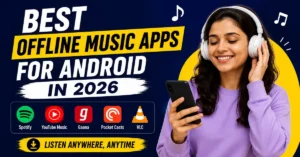
But today, there are so many Android apps that enable users to download songs or playlists for offline listening. In some apps, users need to take a premium to listen to music offline. Here I will list out the best offline music apps for Android in 2026. And I compared features, advantages, limitations, etc. And try to choose your best one, which will be suited for you. My main aim is to help you choose the right app for your listening needs.
Why Offline Playback Matters
Offline music apps matter when compared to online music apps. Because we can listen to music without an internet connection. Whereas online music apps consume data for listening to music. When I go for morning exercises, I mostly prefer an offline music app.
One of the biggest advantages of offline playback is that there will be no ads interrupted while listening. Now you don’t need to worry about buffering or slow internet, etc. Offline playbacks are more useful to those who have limited data plans.
All offline music apps will not give the same experience. Some of the apps provide high-quality downloads. So, choosing the right app is more important for the user to get the best experience while listening to music.
1. Spotify — The Most Convenient, But With Strings Attached
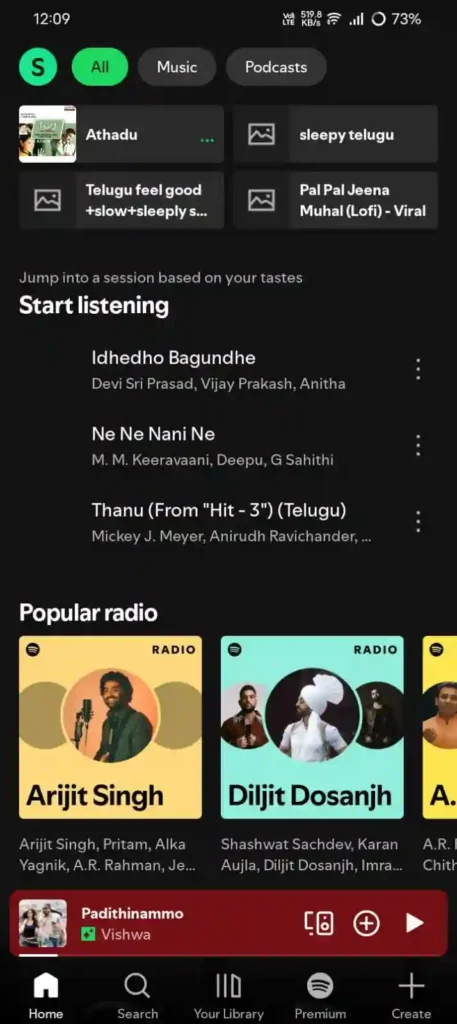
Honestly, speaking, most of the Android users will use Spotify to listen their favourite music. The main advantage of using Spotify is that it supports offline music, with no need of internet connection. But you need to buy a subscription to download albums or podcasts. Free users can only stream online by using the internet.
I have bought a premium subscription for Spotify to listen to music offline. The premium subscription does not interrupt while playing ads while listening to music. I will be very focused on music while doing my fitness.
What I liked:
- It is Very easy to use
- Fast downloading of music
- It consist of High-quality audio (up to 320kbps with Premium)
- It Syncs very smoothly when you are back online
What I didn’t like:
- Downloaded files only work inside Spotify itself
- If your Premium subscription ends, offline downloads will stop working
- There is a limit of 10,000 downloaded songs per device (up to 5 devices).
Best for:
It is best for people those who already installed and using Spotify by buying a subscription to listen music without an internet connection.
2. YouTube Music — Great If You Already Use Google Services
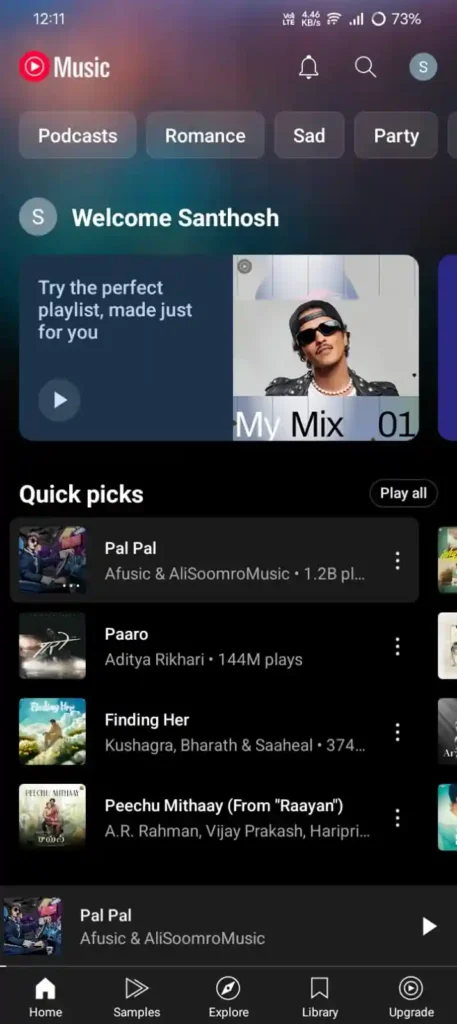
Actually, I used YouTube Music for a few months. It has given me a good experience more than I expected. I used it because it came free with my YouTube Premium subscription. Offline music was wonderful, no complaints about music quality.
Downloading songs and albums is very easy and quick. It consists of one best feature, where you can also upload your songs. YouTube Music is the best one to listen to offline music. Because it provides high-quality music.
What I liked:
- It provides easy offline downloads
- Good audio quality
- Lets you upload your own MP3 files into it.
What I didn’t like:
- The interface can feel some what confusing at the beginning.
- Offline downloads require a Premium subscription
Best for:
This is best for those people who already use YouTube regularly and want offline music streaming, ad-free videos.
3. Gaana — Underrated, Especially for Indian Music
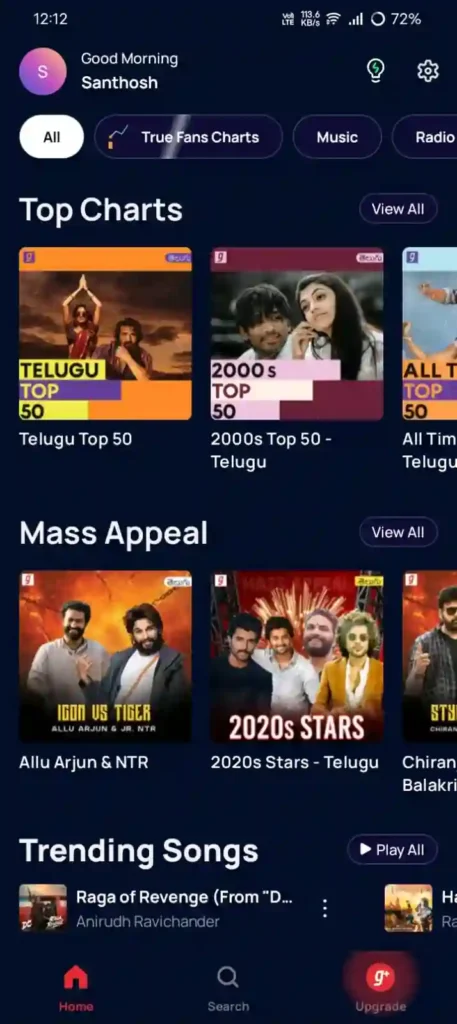
I personally recommend you guys to install Gaana if you mostly listen to Hindi, Telugu, Tamil, or any kind of regional language. Gaana is the best offline music application, which is very genuine and underrated when compared to other. I used it as my primary for two weeks.
Here, in this free version, you will be allowed to listen offline with ads. Most of the users who listen to Hindi songs will always go with Gaana. Downloading a song in Gaana is very easy, just finding the music by searching its name and a small press on the download option, that’s it.
What surprised me: The “Smart Download” feature, which actually learns your listening pattern based on your listening recommendations, recommends songs. I think what you want before you ask for it. The feature was very impressive.
Problem: The main frustating problem with Gaana is that sometimes the downloaded files will show as available, but when I try to play that song, it won’t play. To play it, I should get connected to the internet. This happened to me.
Best for: It is the best option for those who are Indian music fans.
4. Pocket Casts — For When You Also Want Podcasts Offline
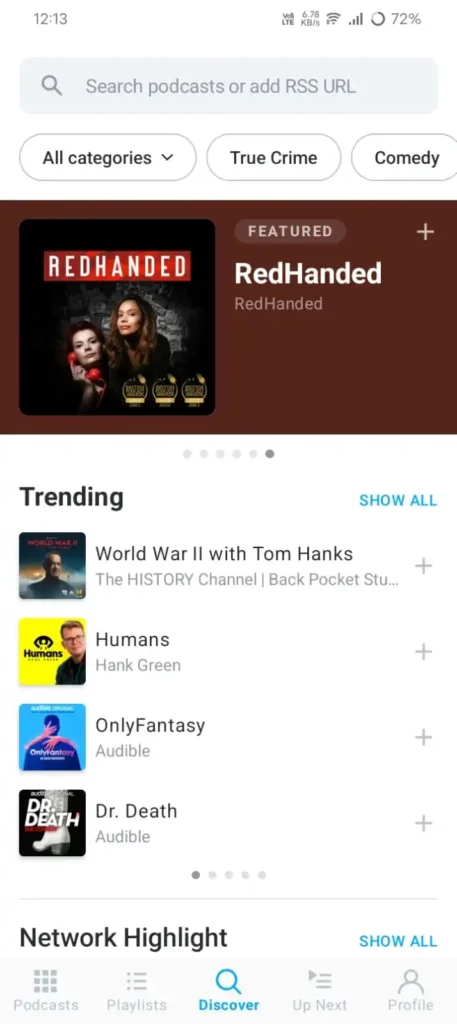
Pocket Casts is the best music application if you want podcasts offline. This is the best one for you. Here you can listen to both music and podcasts offline. I have installed this application on my phone. I think I used it for 3 months, I think so. In this, you can download all the new episodes using Wi-Fi overnight. And you can watch episodes when you want offline.
The interface of the application is very clean and userfriendly, and the playback controls are excellent. And the download settings are very customizable.
What surprised me: The best surprising feature is that it provides both music and podcasts offline.
Best for: The pocket cast is best for those people who want both music and podcasts offline without any internet connection.
5. VLC for Android — The Free, No-Nonsense Local Player
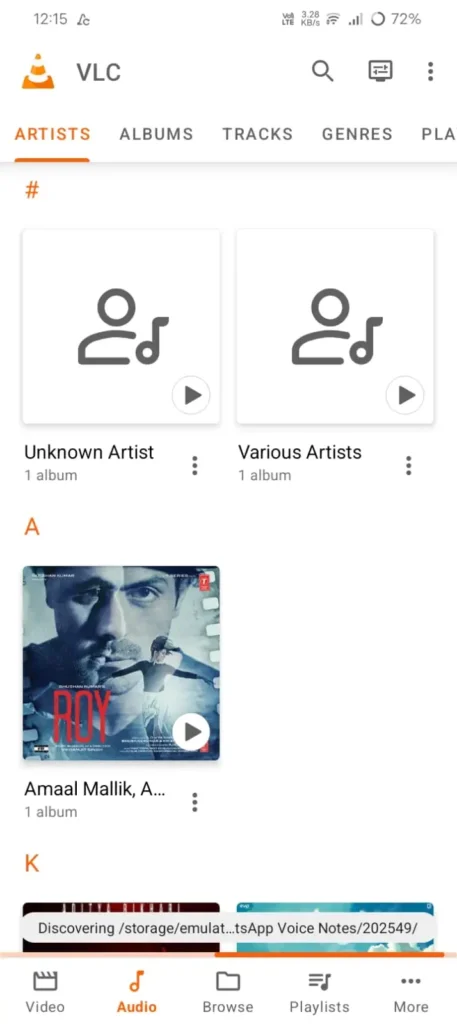
VLC player is one of the best apps if you have your own music files that you have downloaded from a legal website. This application does not have a subscription. The application will not play any kind of ads and does not interrupt while listening to music.
And also, it mostly supports all the formats like MP3, FLAC, AAC, OGG, etc. I especially downloaded it for my FLAC files. Because it provides high-quality audio when you hear music with good headphones.
What surprised me: The main reason for me to pick these because it supports all formats like MP3, FLAC, ACC, etc.

Best for: This application is best for those who want to listen to personal music in high quality with zero subscription costs.
Offline Music Apps Comparison Table
| App | Offline Downloads | Free Version | Best For | Key Limitation |
|---|---|---|---|---|
| Spotify | Yes (Premium only) | Yes | Music streaming and playlists | Offline downloads require Premium |
| YouTube Music | Yes (Premium only) | Yes | Music and video lovers | Premium required for downloads |
| Gaana | Yes | Yes | Indian and regional music | Some features limited in free plan |
| Pocket Casts | Yes | Yes | Podcast listeners | Not focused on music streaming |
| VLC for Android | Yes | Yes | Local music files | No music discovery features |
Which App Should You Actually Use?
Here’s my honest take based on actual usage:
If you want stream music and want the easiest experience then go with Spotify Premium or YouTube Music Premium. Pick any one of these two which is more comfortable with you.
If you mostly listen to Indian music then prefer Gaana Premium. Because pricing is very low you can afford it.
If you have your own music files then go with VLC for basic free playback which has no subscription at all.
If you want both music and podcasts then go with pocket Casts.
Quick Recommendation
| Need | Recommended App |
| Best Overall Music Streaming | Spotify |
| Best for YouTube Users | YouTube Music |
| Best for Indian Music | Gaana |
| Best Free Offline Player | VLC for Android |
| Best for Podcasts | Pocket Casts |
Also Read: Best Free VPN Apps for Android in India 2026 – Tested
Also Read: Best Lifetime Deal Apps for Android (Pay Once, Keep Forever)
Conclusion:
At the end, choose the best offline music app that fits you exactly to listen to music. If you are already using applications like Spotify or YouTube Music, and if you are ok with it, you can proceed. If you have your own downloaded songs, then you should prefer VLC because it never depends on the internet, and it is completely offline.
Offline music was preferred by most users in 2026. Because if you are traveling or out of data, you can proceed with mobile data. The best offline music applications are listed above. Choose your favourite one. And comment down below which app you are using from the above list.
FAQ’S
1. Can I listen to music offline without an internet connection?
Yes. Once your songs or playlists are downloaded, you can listen to them without using mobile data or Wi-Fi.
2. Which offline music app is best for Android?
The best app depends on your needs. Spotify and YouTube Music are great for streaming, while VLC is a popular choice for local music files.
3. Do offline music apps save mobile data?
Yes. Downloaded songs play directly from your device, helping you reduce mobile data usage.
4. How much storage do offline music downloads use?
Storage usage varies based on the number of songs and the audio quality you choose. Higher-quality downloads require more space.
5. Are free offline music apps available for Android?
Yes. Apps like VLC offer completely free offline music playback, while some streaming apps provide limited free features.