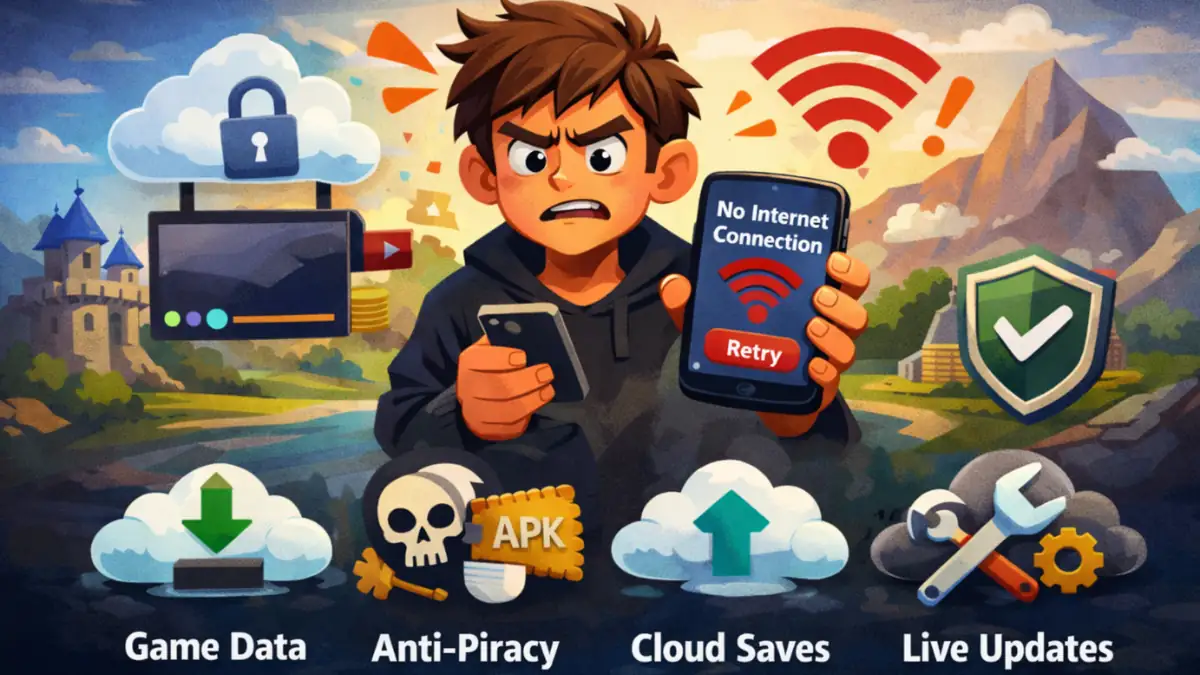
If you have ever downloaded a mobile game hoping to play peacefully offline, only to be greeted with a message saying No Internet Connection, you are definitely not alone. This situation frustrates millions of players across the world. The confusion becomes even stronger when the game is clearly labeled as single player.
So why does a game that does not involve real time multiplayer still require an active internet connection?
The answer is neither simple nor accidental. Behind that single error message lies a carefully designed system involving security, monetization, data validation, and modern game development practices. In this article, I will explain the real reasons, going beyond surface-level explanations, behind why many single player mobile games demand internet access.
This guide is written based on hands on observation about Why Some Mobile Games Require Internet Even for Single Player of mobile games and , ad-supported apps, and common backend systems used in today’s mobile gaming industry, ensuring clarity, trust, and practical understanding.
The Meaning of “Single Player” Has Quietly Changed
In the past, a single player game meant complete independence. You installed the game once, and everything from story progress to saved data was stored locally on your phone. Once downloaded, the game belonged entirely to your device.
That definition no longer fully applies in the modern mobile ecosystem.
Today, many single-player games are connected experiences, even though no other human players are involved. While the gameplay itself may be solo, large parts of the game’s logic, validation, and content now live on remote servers.
In simple terms, you may be playing alone, but the game itself is not operating alone.
1. Game Data Is No Longer Fully Stored on Your Phone
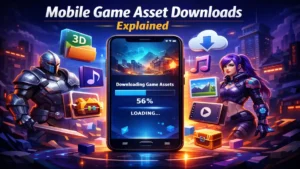
Older mobile games were relatively small. All textures, sounds, and levels could easily fit inside the app package. Modern games, however, are far more complex and often exceed several gigabytes in size.
To manage this, developers use dynamic content delivery, where:
- Game levels are downloaded only when needed.
- Seasonal events are fetched from servers.
- New missions or assets are unlocked online.
This approach reduces the initial app size and allows developers to update or expand content without forcing users to reinstall the entire game. Without an internet connection, the game simply cannot retrieve these essential resources.
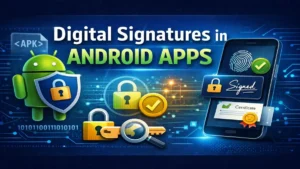
2. Preventing Piracy and Modded APK Abuse
One of the most important but least openly discussed reasons for online requirements is piracy prevention.
Single player mobile games are prime targets for:
- Unlimited coins or gems hacks.
- God-mode modifications.
- Cracked or altered APK files.
By requiring an internet connection, developers can:
- Verify that the game is legitimately installed.
- Detect modified or tampered files.
- Prevent unauthorized changes to game progress.
Critical data such as currency balance, unlock status, or progression is often validated through servers. This makes cheating far more difficult and protects both the game economy and honest players.
3. Ads Are the Financial Backbone of Free Games
Most free single player mobile games depend heavily on advertising revenue. Ads are not stored locally; they must be fetched in real time.
Ads require:
- Live ad requests.
- Impression and click verification.
- Frequency control and fraud prevention.
Without internet access:
- Ads cannot load.
- Developers earn no revenue.
- Ad fraud risks increase.
Some games allow limited offline play but restrict rewards or progression until ads can be served. Others block gameplay entirely. This decision is usually economic, not malicious.
4. Cloud Saves Protect Player Progress
Many players have experienced the frustration of losing hours of progress due to phone resets or device changes. To solve this, modern games rely on cloud-based save systems.
Cloud saves allow:
- Automatic progress syncing.
- Account-based save recovery.
- Seamless switching between devices.
For cloud saving to function correctly, the game must connect to a server where progress is validated and stored. Even if the gameplay itself could run offline, progress protection often cannot.
5. Live Balancing and Difficulty Adjustment
Game difficulty is no longer static. Developers constantly analyze player behavior to understand:
- Where players quit.
- Which levels feel too easy or too hard.
- How long users remain engaged.
Using internet connectivity, developers can:
- Adjust difficulty levels dynamically.
- Fix broken mechanics instantly.
- Balance rewards without app updates.
This ongoing tuning improves long term gameplay quality but requires continuous data exchange between the game and servers.
6. Anti-Cheat Systems Require Real-Time Validation
Even in single player games, cheating can negatively impact:
- In-app purchase fairness.
- Reward systems.
- Leaderboards and achievements.
Many games run background checks such as:
- Speed and timing validation.
- Resource consistency checks.
- Behavioral anomaly detection.
These systems rely on server communication. Without internet access, cheat detection becomes unreliable and ineffective.
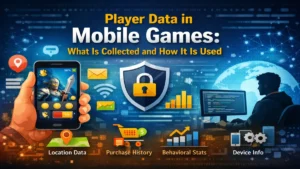
7. Personalized Gameplay Depends on Player Data
Modern mobile games often tailor the experience to individual players:
- Daily challenges match skill level.
- Rewards align with play style.
- Events trigger based on behavior.
This personalization requires:
- Player analytics.
- Server-side decision systems.
- Real-time data processing.
Offline systems cannot support this level of customization, making internet access essential.
8. Licensing and Legal Compliance Requirements
Some games include:
- Licensed music.
- Branded characters.
- Third-party assets.
Licensing agreements often require:
- Usage tracking.
- Regional access verification.
- Time-based content control.
To comply with these legal obligations, developers must verify access online.
9. Reducing App Store Abuse and Fake Copies
Internet connectivity helps developers:
- Block unauthorized app distributions.
- Detect cloned or fake versions.
- Monitor suspicious installation behavior.
This protects players from malware and ensures that the official version of the game remains secure.
10. Player Safety and Content Moderation
Some single-player games include:
- User generated content.
- Downloadable scenarios.
- Community created missions.
Internet access allows developers to:
- Moderate content.
- Remove harmful material.
- Apply age-appropriate filters.
Offline access could expose users to unverified or unsafe content.
Are Developers Doing This Just to Control Players?
Not really.
While some developers may overuse online restrictions, most decisions are driven by:
- Security needs.
- Long-term sustainability.
- Consistent player experience.
Maintaining a modern mobile game at scale without server infrastructure is extremely difficult.
Why Older Games Worked Offline but New Ones Don’t
Older mobile games:
- Had no ads.
- Used no cloud saves.
- Received no live updates.
- Collected minimal analytics.
Modern games:
- Operate as live services.
- Depend on continuous revenue.
- Evolve constantly after release.
The industry has shifted from static products to living platforms.
Can Developers Allow Offline Mode? Yes but With Limitations
Some games offer:
- Limited offline gameplay.
- Progress syncing when online.
- Restricted features without internet.
However, this approach increases:
- Development complexity.
- Bug risks.
- Security vulnerabilities.
As a result, many studios choose reliability and protection over full offline access.
How to Identify Truly Offline Single Player Games
Before installing a game:
- Read recent user reviews.
- Check app permissions.
- Look for offline mode supported clearly mentioned.
- Test the game using airplane mode.
Games that genuinely support offline play usually advertise it openly.
Also Read: How Apps Use AI to Predict User Behavior (Complete 2026 Guide)
Also Read: How Mobile Games Are Designed to Increase User Engagement
Final Thoughts
When a single player mobile game requires internet access, it is rarely without reason. Behind that requirement lies a modern game structure that depends on servers for validation, updates, security, and sustainability. Even when no other player is involved, the game itself is connected to systems that keep it stable and functional. Some games also require internet due to Android app permissions and service validation, as explained by the Google Play Store support documentation.
This does not mean offline gaming is outdated or irrelevant. It simply reflects how the mobile gaming industry has evolved. Free-to-play models, cloud saves, security checks, and continuous updates have replaced the older idea of standalone games that never change.
As mobile games continue to evolve, internet dependency has become part of how games are built and maintained not a flaw, but a consequence of modern design.
FAQ’S
1. Why do single-player mobile games require an internet connection?
Many single player mobile games rely on the internet for ads, cloud saves, security checks, and dynamic content delivery. Even though gameplay is solo, important systems like validation and updates run on servers.
2. Can single-player mobile games be played completely offline?
Some games support limited offline play, but most modern titles require at least occasional internet access. Features like progress syncing, rewards, and updates usually need an active connection.
3. Do ads force single-player games to stay online?
Yes, in most free mobile games, ads are the primary revenue source and must be loaded in real time. Without internet access, ads cannot be served, which directly affects the developer’s earnings.
4. Do paid single-player games also need internet access?
Some paid games still require internet for license verification, cloud saves, or downloadable content. However, paid games are more likely to offer better offline support compared to free-to-play titles.
5. How can I identify truly offline single-player mobile games?
Check the app description, recent user reviews, and test the game in airplane mode after installation. Games that fully support offline play usually highlight this feature clearly in their store listing.