Introduction
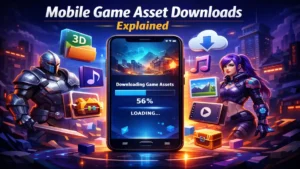
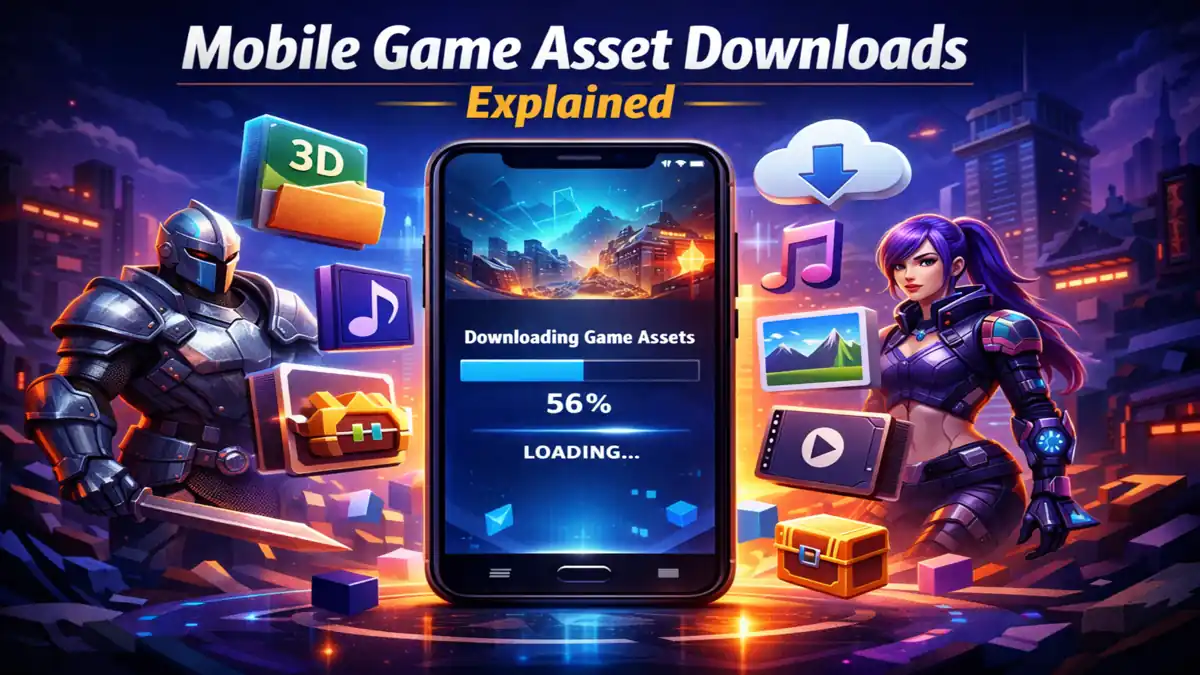
If you install a modern mobile game today, you will probably notice something interesting. The download from the app store looks small at first. Maybe 200 MB or 300 MB. But the moment the game opens, a new message appears on the screen: “Downloading additional resources”.
For many players this raises a simple question. Why didn’t the game just download everything from the store in the first place?
The answer lies in how modern mobile games are built and distributed. Over the past decade, mobile games have evolved from simple puzzle titles into large productions that include 3D environments, voice acting, cinematic scenes, and massive multiplayer maps. All of those elements rely on files known as game assets.
These assets can be extremely large. Because of this, developers often separate the core application from the bulk of the assets and deliver them later through a system called mobile game asset downloads.
In this article, we will examine mobile game asset downloads in depth. The discussion will cover how the system works technically, why developers depend on it, what types of files are downloaded, how it affects storage and performance, and what players should know when installing large mobile games.
Understanding Game Assets
Before discussing downloads, it helps to understand what the term “game asset” actually means.
A game asset is any digital file used by the game engine to construct the playable experience. When a player sees a character running through a map, hears background music, or watches a cinematic cutscene, each of those elements relies on different types of assets stored on the device.
Common asset categories include:
• Character models.
• Environment textures.
• Weapons and object models.
• Animations.
• Sound effects.
• Music tracks.
• Voice recordings.
• User interface graphics.
• Map data.
• Video cutscenes.
If all of these files were included in the initial installation package, many modern mobile games would easily exceed several gigabytes in size.
For that reason, developers deliver them separately using mobile game asset downloads.
Why Developers Use Mobile Game Asset Downloads
1. Initial App Size Limitations
Mobile application stores were designed to allow quick installation for users across different network conditions. Extremely large download packages can discourage players from installing a game.
If a game required a 6 GB download before opening for the first time, many potential players would abandon the installation.
By separating the application from its assets, developers keep the store download smaller while still delivering large amounts of content.
2. Faster First Launch
Another practical reason involves player behavior. People expect apps to open quickly after installation.
A staged download process allows the game to install within minutes. After launching, additional content can be downloaded while the player explores menus or tutorials.
3. On-Demand Content Delivery
Not every asset is required immediately. Some files only become relevant later in the game.
For example, story chapters might unlock hours after the tutorial. Multiplayer maps might rotate during seasonal events.
Instead of downloading everything at once, the game retrieves specific assets only when necessary.
4. Frequent Content Updates
Many modern mobile games operate as live services that receive frequent updates.
These updates may introduce:
• new characters.
• seasonal maps.
• limited-time events.
• cosmetic items.
If every asset were bundled with the base application, developers would need to submit massive updates to the app store each time new content appeared.
Asset download systems allow developers to add new files directly through game servers.
Types of Assets Commonly Downloaded
Textures
Textures are image files applied to surfaces of 3D models. They control the appearance of characters, terrain, buildings, and objects.
Higher resolution textures create sharper visuals but increase file size dramatically. A single high quality texture can occupy several megabytes of storage.
To support different device capabilities, some games offer optional high-definition texture packs.
3D Models
Models define the shape of characters and objects within the game world. These files contain mesh structures, vertices, and material definitions.
Modern mobile games can include hundreds or even thousands of models.
Because models contribute significantly to storage usage, they are often compressed before being downloaded.
Audio Assets
Sound design plays an important role in game immersion. Audio assets may include:
• ambient sounds.
• background music.
• combat effects.
• character dialogue.
Voice acting files are particularly large, especially when multiple language versions are included. Some games solve this by allowing players to download only the voice packs they prefer.
Map and Environment Data
Large multiplayer games often feature multiple maps or battle arenas. Each map contains terrain data, textures, objects, and lighting information.
Downloading these maps individually allows the game to store only the environments the player actually uses.
Cinematic Videos
Story-focused games sometimes include pre-rendered cinematic sequences. These video files can easily consume hundreds of megabytes.
To prevent the base application from becoming too large, these scenes are usually downloaded when the player reaches the relevant story chapter.
How the Download System Works
From the player’s perspective, the process usually appears as a simple progress bar. Behind the scenes, however, the system involves several technical steps.
Step 1: Server Connection
When the game launches, it establishes a connection with the developer’s asset server.
The server sends a manifest file that lists every required asset and its current version.
Step 2: File Comparison
The game compares the manifest with the files stored locally on the device. If certain assets are missing or outdated, they are added to a download queue.
Step 3: Chunked Transfer
Instead of downloading one large file, the system divides assets into smaller segments called chunks. This allows downloads to resume if the internet connection is interrupted.
Step 4: Integrity Verification
After a chunk finishes downloading, the game verifies its integrity using hash values or checksums.
If the data does not match the expected value, the chunk is downloaded again.
Step 5: Decompression and Storage
Many assets are compressed during transfer to reduce bandwidth usage. After the download finishes, the files are decompressed and stored within the application’s directory.
Storage Impact on Mobile Devices
A common surprise for players is the difference between the listed app size and the actual storage usage after installation.
For example:
Store listing: 250 MB
Total storage after downloads: 3.5 GB
This difference occurs because the store listing typically reflects only the core application package.
Asset downloads can add several gigabytes depending on the scale of the game.
Some games allow players to remove optional assets such as high-resolution textures to save storage space.
Internet Requirements
Mobile game asset downloads typically require a stable internet connection during installation.
Once the necessary files are downloaded, many games allow offline play, especially single-player titles.
However, multiplayer games often continue downloading new assets periodically to support updates and events.
Security Measures
Because game assets influence gameplay, developers take steps to protect them from tampering.
Common protection methods include:
• encrypted asset files.
• hash validation.
• secure server authentication.
These measures help ensure that players cannot modify asset files to gain unfair advantages.
Personal Experience Observing Asset Downloads
While reviewing several mobile games over the past few years, I noticed a clear trend in how asset downloads are handled.
In one case, the base installation was surprisingly small. The store listed the game at roughly 220 MB. After launching it, the game began downloading additional resources that eventually reached nearly 3 GB.
At first it felt excessive, but exploring the game menus explained the reason. The download included multiple multiplayer maps, high-resolution textures, and voice packs.
Later, when new game modes were introduced, the application downloaded only the assets required for those modes. The rest remained untouched.
This design made the system more efficient than forcing every player to install everything immediately.
Advantages for Developers
From a development standpoint, asset downloads provide several benefits.
Efficient Updates
Developers can modify or replace individual assets instead of rebuilding the entire application package.
Flexible Content Distribution
Assets can be delivered differently depending on device performance or geographic region.
Reduced Store Review Delays
Large updates submitted to app stores may require extended review times. Asset updates delivered through game servers avoid this delay.
Common Issues Players Encounter
Interrupted Downloads
Network instability can interrupt asset downloads. Most games support automatic resume functionality.
Storage Limitations
If a device lacks enough free space, the download process will stop until storage is cleared.
File Corruption
Occasionally downloaded files become corrupted due to connection issues. Games usually fix this by verifying file integrity and redownloading damaged files.
Future Trends in Asset Delivery
As mobile hardware continues to improve, developers are experimenting with new approaches to content delivery.
One emerging method is asset streaming, where game resources are loaded dynamically while the player moves through the environment.
Another approach focuses on advanced compression algorithms that reduce file sizes without sacrificing visual quality.
These technologies aim to support larger and more detailed mobile games while keeping downloads manageable for players.
Also Read: Digital Signatures in Android Apps: Complete Guide
Also Read: Matchmaking Rating Systems in Online Games Explained
Conclusion
Mobile game asset downloads have become a fundamental part of modern mobile game distribution. They allow developers to deliver large, visually detailed games without overwhelming players with massive initial downloads.
By separating the core application from heavy resource files, developers gain flexibility in updates and content delivery. Players benefit from faster installations and the ability to download additional assets only when needed.
As mobile gaming continues to expand, asset delivery systems will remain essential for balancing game size, performance, and accessibility.
FAQ’s
Why do mobile games download additional files after installation?
Mobile games often keep the base application small so the initial download finishes quickly. Larger files such as maps, textures, and audio assets are downloaded afterward.
Are asset downloads necessary for gameplay?
Yes. Many essential resources are not included in the base installation. Without downloading them, the game would not have the files required to run properly.
Why do some games require several gigabytes of assets?
Modern mobile games contain high-resolution graphics, detailed environments, and extensive audio files. These assets naturally require significant storage.
Can asset downloads be paused or resumed?
Most modern games support resuming downloads if the internet connection is interrupted. The system usually downloads files in smaller chunks to allow recovery.
Can I delete downloaded assets later?
Some games provide settings that allow optional asset packs to be removed. Otherwise, reinstalling the game clears the downloaded resources.