When an App Breaks at the Worst Possible Time
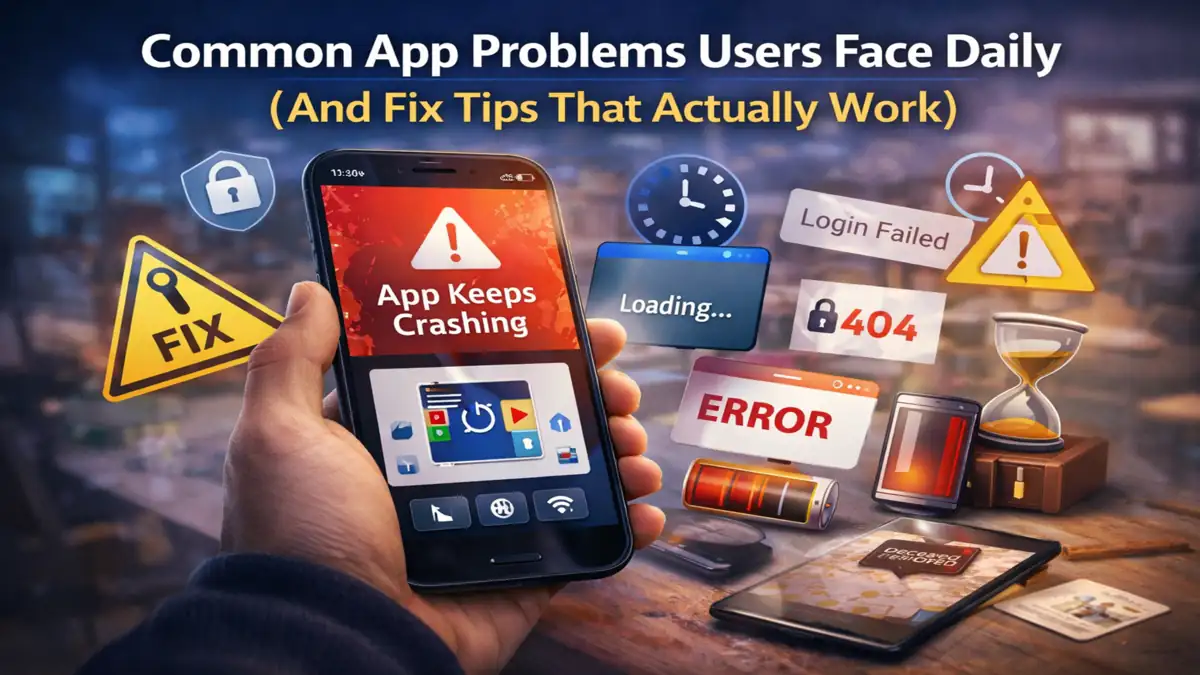
In, Last month, I was testing a mid range Android phone that is Redmi Note 11 running Android 13. Everything was fine until I opened a payment app during a weak network moment. The app didn’t crash. It didn’t show an error either. It just kept spinning like it was thinking. I waited for some time it is not able to open actually. Force closed it, reopened same thing. These are the common app problems that every user is dealing
That’s when it hit me. Most app issues users face daily aren’t dramatic crashes. They’re silent failures. Apps get stuck, behave weirdly, or feel slower than usual without telling you why.
Over the past 8 years working with Android apps testing builds, debugging user complaints, and even breaking apps intentionally I have noticed patterns. The same problems keep showing up across devices, brands, and even well built apps.
Let me go you through the real ones people deal with every day, why these common app problems happen, and fixes that actually work not just the usual restart your phone advice.
1. Apps Freezing or Becoming Unresponsive
This is probably the most frustrating one because it feels random. One second everything works, next second the app just stops responding.
Why it actually happens
From my testing, freezes usually come down to how apps handle memory and background tasks.
Think of your phone like a desk. Every app is like a file open on that desk. When too many files are open, things get confused. Now imagine one app trying to process heavy data like loading a feed or syncing content while the desk is already cluttered.
That’s when it hangs.
On Android, especially on devices with 4GB RAM or less, I have seen apps like Instagram and Chrome freeze when:
- Background apps are consuming RAM.
- The app cache grows too large.
- The app is trying to load dynamic content like reels or ads.
Fixes that actually help
- Clear app cache (not data). This removes temporary junk without logging you out.
- Close background apps manually this especially for games or video apps
- Turn off battery saver for that app (yes, this matters more than people think).
Here’s something most people overlook battery optimization can pause background threads inside apps, which sometimes causes freezing when the app resumes.
I have seen this fix random freezing in apps like WhatsApp and YouTube more than once.
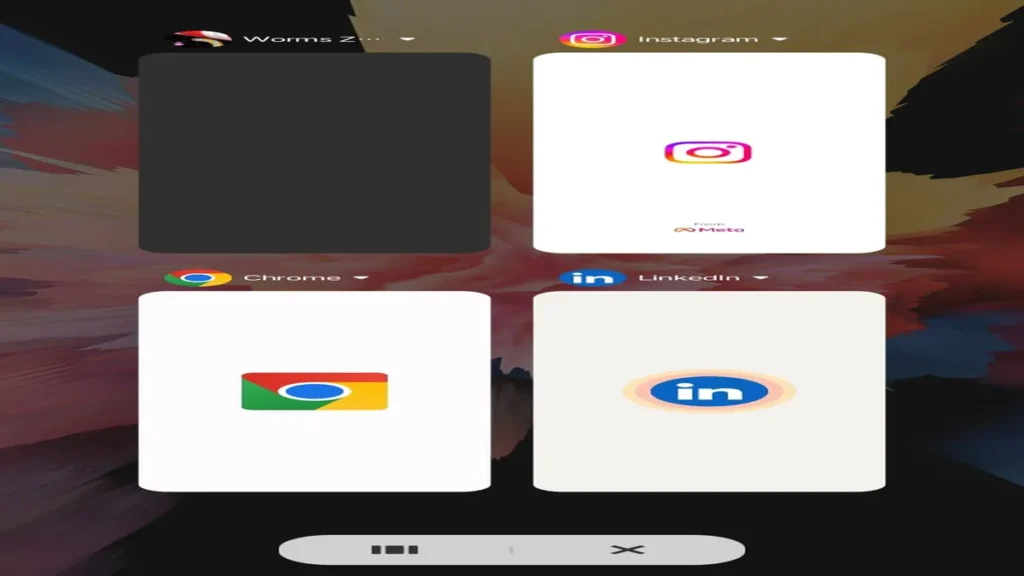
2. Apps Crashing Suddenly
A crash is completely different from a freeze. The app closes instantly. No warning.
What’s going on behind the scenes
This gets a some bit technical, but stay with me.
Apps crash when they hit something they didn’t expect like missing data, incompatible OS behavior, or even a small bug that only appears in certain conditions.
For example, I once tested an app that crashed only when switching from WiFi to mobile data mid-use. Not before. Not after. Only during the switch.
Why? Because the app didn’t handle network state change properly.
That kind of edge case is more common than you think.
Fixes that work in real scenarios
- Update the app many crashes are version-specific.
- Update Android System WebView this one fixed mass crashes globally in 2021, and still causes issues sometimes.
- Reinstall the app if crashes started after an update.
Iam not 100% sure why, but sometimes a reinstall fixes issues even when cache clearing doesn’t. My guess is corrupted local files that aren’t removed otherwise.
Also, avoid using modded or unofficial APKs. I have tested them. They crash more often than users realize.
3. Slow App Performance (Even on Good Phones)
This one confuses people the most. Most of the people say that “I bought a new phone. Why is this app still slow?” I have heard this exact line dozens of times.
The real reason behind slow apps
It’s not always your phone. Often, it’s the app’s backend or how it loads content.
Apps like Facebook or shopping apps constantly fetch new data. If their servers respond slowly, your app feels slow even if your device is powerful.
But there’s more.
From my experience, performance drops when:
- When App storage crosses 1GB+.
- If cache isn’t cleared for months.
- Animations pile up (especially on Android skins like MIUI).
Fixes that make a noticeable difference
- Clear cache regularly once every 2-3 weeks is enough.
- Disable unnecessary in app features auto-play videos, high-quality images.
- Reduce animation scale in developer options and set to 0.5x.
Most people ignore animation settings. But trust me, reducing them makes apps feel faster instantly.
4. Login Issues and Session Expiry Problems
When You open an app, and suddenly you’re logged out. Again.
Or worse it says that session expired while you’re using it.
Why this keeps happening
Apps use tokens to keep you logged in for a limited time. These tokens expire for security reasons. But here’s the issue: some apps don’t refresh them properly.
I have seen this happen frequently in banking apps and even in apps like Twitter (now X). Especially when:
- The app runs in background for long periods.
- Network changes happen frequently.
- Device time is incorrect.
That last one surprises people.
If your phone’s date/time is even slightly off, authentication can fail.
Fixes you should try
- Enable automatic date and time.
- Log out and log back in manually.
- Avoid using VPNs during login they can trigger security flags.
Your results may vary depending on the app’s security setup, but fixing system time alone has solved login issues for me more times than I expected.
5. Notifications Not Showing (Or Delayed)
This one is sneaky because you don’t realize it’s broken immediately.
You just stop receiving alerts.
What’s really happening
Actually on Android, notifications depend heavily on background services.
Brands like Xiaomi, Realme, and Vivo are aggressive with battery management. They kill background apps silently.
So even if notifications are enabled, the app itself is not allowed to run.
Fixes that actually restore notifications
- Disable battery optimization for the app.
- Lock the app in recent apps (prevents killing).
- Enable auto-start permission hidden setting on many phones.
Here’s something I noticed while testing on MIUI 14: even with notifications enabled, apps didn’t push alerts unless auto-start was turned on.
Most users never find that setting.
6. Excessive Battery Drain from Apps
Some apps drain battery even when you are not using them. That’s not your imagination.
Why certain apps eat battery
Apps can run background processes like:
- When you are using location tracking.
- Syncing data can eat battery very fast.
- Fetching updates.
I once tracked battery usage using Android’s built-in stats and found a shopping app consuming 18% battery in a day without opening it once.
That’s because it kept syncing offers in the background.
Fixes that actually reduce drain
- Restrict background activity for non essential apps.
- Turn off location access when not needed.
- Check battery usage stats weekly.
Honestly, uninstalling unused apps is the most effective fix here. Sounds basic, but it works better than tweaking settings.
7. Storage Issues and “App Not Installing” Errors
When You try to install an app. It fails. Even though you have space. It will be more Annoying.
What causes this problem
Storage on Android isn’t as straight forward as it looks.
Even if you have 2GB free, the system might need additional temporary space during installation.
Also, leftover files from old installs can block new ones.
Fixes that work reliably
- Keep at least 3–4GB free storage to avoid errors while installing.
- Clear Play Store cache.
- Delete leftover folders using a file manager.
I’ve also seen SD cards cause install failures. Not always, but often enough to mention.
What This Means For You
Most app problems users face daily are not random bugs. They are side effects of how apps interact with your phone’s memory, battery system, and network.
Here’s what actually matters:
- Keep your apps and system updated not blindly, but regularly.
- Manage background apps instead of letting them pile up.
- Check hidden settings like battery optimization and auto-start.
- Don’t ignore storage it may affects performance more than people think.
And one honest truth: sometimes the issue is on the app’s side. No fix on your phone will solve it.
If an app breaks after an update, you’re not alone. I’ve seen entire app versions go bad for thousands of users.
Conclusion:
While using apps feel simple on the surface like Tap, swipe, done. But underneath, there’s a lot happening in it memory allocation, network calls, background services, permissions, and system level restrictions all interacting at once. When something goes wrong, it’s rarely just a bug. It’s usually a chain reaction. Once you start understanding these patterns, app problems stop feeling random. You begin to predict them. Even fix them before they get worse.
And honestly, that’s what separates a frustrated user from someone who actually understands their device.
Also Read: AI Model Drift in Mobile Apps: Causes, Detection And Fixes
Also Read: Game Leaderboards Explained: Ranking Systems, Types & Real Game Examples
FAQ:
1. Why do apps crash even after updating them?
Updates fix many issues, but they can also introduce new bugs. Sometimes the app isn’t fully optimized for your device or Android version.
2. Is clearing cache safe for apps?
Yes, clearing cache only removes temporary files. It won’t delete your account or personal data.
3. Why do I stop receiving notifications suddenly?
Usually due to battery optimization or background restrictions. Your phone may be preventing the app from running.
4. Does reinstalling apps really fix problems?
In many cases, yes. It removes corrupted files and resets the app to a clean state.
5. Why does my phone have space but apps won’t install?
Because installation needs extra temporary storage. Having just enough visible space isn’t always sufficient.