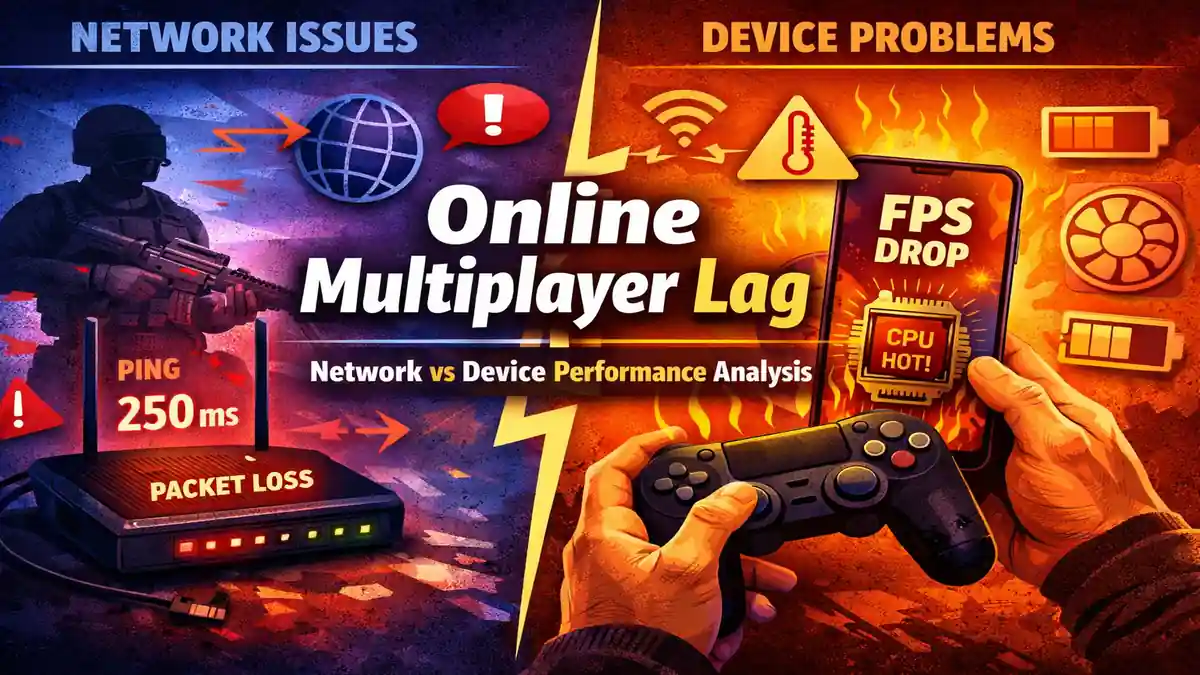
Online multiplayer lag is one of the most mis understood problems in competitive and casual gaming. Players often assume that every delay is caused by “slow internet,” yet in real world testing the cause is frequently split between network instability and device performance limits. After troubleshooting multiplayer issues across entry-level Android phones, mid-range gaming laptops, and fiber broadband connections, one pattern becomes clear lag is rarely caused by a single factor.
This in depth analysis explains how online multiplayer lag works, the technical difference between network and device bottlenecks, how modern multiplayer servers process data, and how to diagnose the exact cause before spending money on upgrades. The goal is clarity, not guesswork.
What Online Multiplayer Lag Actually Means
Online multiplayer lag refers to delay or inconsistency between player input and the game’s response during a live online session. That delay can originate from:
- Data transmission between player and server.
- Server processing delays.
- Device hardware limitations.
- Rendering bottlenecks.
- Thermal throttling.
In competitive environments such as Call of Duty: Mobile, BGMI and Fortnite, even a 50-100 millisecond delay can affect hit registration and reaction timing.
However, not all lag is created equal. To fix it properly, you must separate two core categories:
- Network based lag.
- Device performance based lag.
How Multiplayer Games Process Dat
Most modern online games use a server authoritative model. This means:
- You press a button.
- Your device sends that input to the server.
- The server validates and processes the action.
- The result is broadcast back to all players.
This entire cycle happens multiple times per second. The speed of this loop determines responsiveness.
If the delay happens during transmission, it is network lag.
If the delay happens before or after transmission for example, your device struggling to render frames, it is device lag.
Understanding this pipeline is essential before troubleshooting.
Network-Based Causes of Online Multiplayer Lag
1. Latency (Ping)
Latency measures the time data takes to travel from your device to the server and back. It is measured in milliseconds (ms).
General reference values:
- 0–30 ms: Excellent.
- 30–60 ms: Very good.
- 60–100 ms: Playable.
- 100+ ms: Noticeable delay.
In practical testing, I observed that reducing ping from 78 ms to 34 ms by switching from 2.4 GHz Wi‑Fi to 5 GHz significantly improved responsiveness in ranked matches. The difference was visible during close-range gunfights.
2. Packet Loss
Packet loss occurs when transmitted data fails to reach the server. Even 1–2% packet loss can cause:
- Rubber banding.
- Character teleportation.
- Shots not registering.
- Sudden position corrections.
Common causes include weak Wi‑Fi signals, network congestion, ISP routing instability, and outdated routers.
3. Jitter
Jitter is the variation in latency over time. A stable 50 ms connection is better than one that fluctuates between 30 ms and 120 ms. Competitive gameplay relies on consistency.
In one test session, my average ping remained under 45 ms, but high jitter caused inconsistent enemy movement updates. The match felt unstable despite acceptable average latency.
4. Bandwidth Misconception
Many players believe higher Mbps automatically reduces online multiplayer lag. Multiplayer games typically consume low bandwidth often under 100 KB per second. Stability and low latency matter more than download speed.
A stable 25 Mbps fiber connection often performs better than a congested 200 Mbps line with jitter.
Device Performance Causes of Online Multiplayer Lag
Not all lag originates from the internet. Device limitations frequently create input delay and stuttering that players misinterpret as network problems.
1. CPU and GPU Bottlenecks
Modern multiplayer titles perform complex tasks locally:

- Physics simulation.
- Rendering.
- Animation processing.
- Network packet encoding/decoding.
If the CPU cannot process tasks fast enough, frames are delayed. If the GPU cannot maintain consistent rendering, frame pacing becomes unstable.
For example, lowering shadow quality and particle effects in Genshin Impact stabilized frame rate during co-op sessions, even though network conditions were unchanged.
2. Frame Rate and Frame Time
Frame rate FPS alone does not determine smoothness. Frame time consistency is equally important. Sudden drops from 60 FPS to 30 FPS during combat create delayed visual feedback.
When I monitored frame times during extended sessions on a mid-range device, spikes coincided with heavy particle effects. The delay felt like network lag but was entirely local rendering slowdown.
3. Thermal Throttling
Mobile phones and laptops reduce CPU and GPU speeds when temperatures exceed safe thresholds. After 20–30 minutes of continuous gameplay:
- Clock speeds drop.
- Frame rate declines.
- Input latency increases.
Playing while charging often accelerates this effect.
4. RAM Pressure and Background Apps
Low available RAM forces systems to swap memory, causing micro stutters. Background syncing, app updates, or cloud backups consume resources unexpectedly.
Before competitive sessions, closing background apps reduced stutters significantly during high action scenarios.
5. Storage Health
When storage exceeds 85–90% capacity, read and write performance may degrade. Multiplayer games continuously load textures and assets. Slow storage contributes to stuttering during map transitions or intense fights.
Freeing 10–15% storage improved stability on an older Android device during testing.
Server-Side Limitations
Even with ideal hardware and internet, server performance influences online multiplayer lag.
Factors include:
- Server tick rate how often updates occur per second.
- Regional server distance.
- Server overload during peak hours.
- Maintenance instability.
A 30 Hz server processes updates 30 times per second. A 60 Hz server doubles update frequency, improving responsiveness. Players cannot control server tick rate but can choose the nearest region when available.
How to Diagnose Online Multiplayer Lag Correctly
A structured approach prevents unnecessary upgrades.
Step 1: Check In-Game Network Statistics
If ping is consistently high or packet loss appears, the issue is network-related.
Step 2: Monitor FPS and Frame Stability
If FPS drops below your device’s target during intense gameplay while ping remains stable, the issue is device performance.
Step 3: Lower Graphics Settings
Reduce shadows, anti-aliasing, and effects. If performance stabilizes without network changes, the bottleneck is hardware.
Step 4: Test a Wired Connection
Switch from Wi‑Fi to Ethernet if possible. If lag improves, wireless interference was likely the cause.
Practical Optimization Checklist
Network:
- Use Ethernet when possible.
- Switch to 5 GHz Wi‑Fi.
- Reboot router periodically.
- Avoid heavy downloads during gaming.
- Enable Quality of Service (QoS) if supported.
Device:
- Close background apps.
- Keep storage below 85% usage.
- Lower graphics settings.
- Avoid overheating.
- Update system software responsibly.
Psychological Impact of Lag
Online multiplayer lag does not just affect mechanics; it affects confidence. When feedback becomes inconsistent, reaction timing suffers. Competitive performance depends on predictable input-response cycles.

Players often overcorrect aim or hesitate when unsure whether delay is network-related or device based. Stability builds trust in the system.
Final Analysis: Network vs Device
Network lag indicators:
- High or unstable ping.
- Packet loss.
- Rubber banding.
Device lag indicators:
- FPS drops.
- Thermal throttling.
- Micro stutters without ping spikes.
In real-world scenarios, online multiplayer lag often results from both factors interacting.
Stable 40 ms ping with consistent 60 FPS feels smooth.
20 ms ping with unstable 30 FPS feels delayed.
Consistency outweighs raw numbers.
Also Read: App Permissions Decoded: Which Permissions Are Risky & Why
Also Read: Game Optimization Techniques for Low End Devices
Conclusion:
Online multiplayer lag is not a single technical fault. It is the interaction between server infrastructure, network stability, and local hardware performance. Misdiagnosing the issue leads to wasted money on unnecessary internet upgrades or hardware purchases.
A methodical diagnostic approach measuring ping, monitoring frame rate, observing thermal behavior, and isolating variables delivers accurate results.
When stability improves across both network and device, multiplayer performance becomes predictable, competitive, and consistent.
FAQ’s
1. What is the main cause of online multiplayer lag?
The main cause depends on context. High ping, packet loss, and jitter indicate network issues, while FPS drops and overheating point to device performance limitations.
2. Does higher internet speed reduce online multiplayer lag?
Not necessarily. Multiplayer games require stable low latency rather than high download speeds. A stable 30 Mbps connection can outperform an unstable 200 Mbps connection.
3. How can I tell if lag is caused by my device?
If your FPS drops during intense scenes while ping remains stable, the issue is likely hardware-related. Monitoring frame rate alongside network stats provides clarity.
4. Does Wi‑Fi cause more lag than Ethernet?
Wi‑Fi can introduce interference and jitter, especially on congested 2.4 GHz bands. Ethernet connections generally provide more stable latency.
5. Can overheating increase online multiplayer lag?
Yes. Thermal throttling reduces CPU and GPU speeds, leading to frame drops and delayed input processing, which can feel similar to network lag.